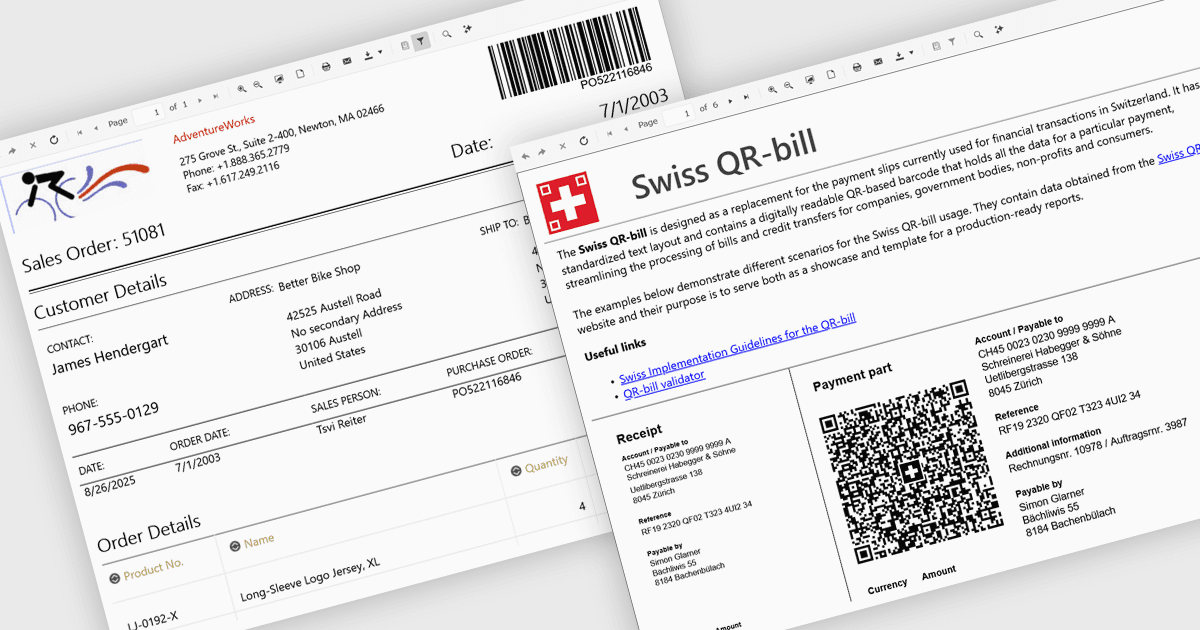
在 Blazor 报表中轻松嵌入条形码

8月 29, 2025
在报表中插入可扫描的条形码,以减少错误、加速数据输入并支持与物流和 ERP 系统的集成。

继续用英语阅读:

Adding barcodes to reports means embedding machine-readable codes like QR or Code 128 directly into printed or digital outputs. These can be scanned by barcode readers, making data entry faster, reducing errors, and improving traceability. Barcodes also support integration with inventory, logistics, or ERP systems. This feature is especially useful in manufacturing, retail, healthcare, and supply chain environments where accuracy and speed are essential.

Several .NET Blazor Reporting controls include Barcodes including:

  • Telerik Reporting lets you embed 1D and 2D barcodes such as EAN 13, QR, Data Matrix, and PDF417 directly into report layouts enabling accurate scanning and data capture.
  • DevExpress Reports (MultiPlatform) allows inclusion of over 35 barcode symbologies including GS1, Code 39, QR, and PDF417 using its XRBarCode control.
  • ActiveReports.NET by MESCIUS facilitates printing a wide range of barcode styles with customization options for alignment, color, captions, and data binding.
  • Stimulsoft Reports.WEB supports barcode components including linear and 2D types with editable properties through an integrated barcode editor in the web designer.

For an in-depth analysis of features and price, visit our comparison of .NET Blazor Reporting Controls.

Compare .NET Blazor Reporting Controls