在查看器中直接删除 PDF 页面
内置页面删除让用户可直接在 PDF 查看器中移除重复内容或敏感内容,从而实现更快、更干净的文档编辑。
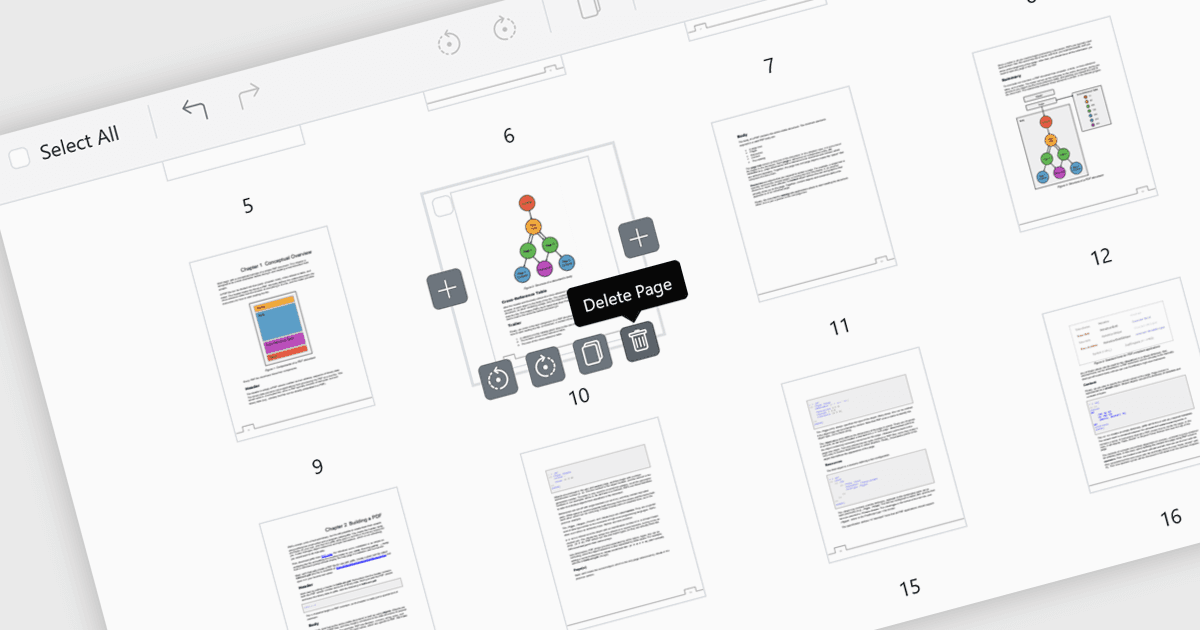
PDF 查看器中的页面删除功能可让用户在应用内直接移除不需要的、重复的或敏感页面,而无需单独的编辑器。此功能通过减小文件大小并确保最终 PDF 干净、简洁且专业,从而简化文档管理。它尤其适用于更正错误,例如删除误添加的或空白的页面;同时,也能通过在外部共享前删除机密内容来增强安全性。通过提供快速的内置编辑能力,页面删除提升了工作效率,并使针对特定受众定制文档变得更高效。
多种 ASP.NET Core PDF 查看器控件支持将页面添加到 PDF 文件中,包括:
- Telerik UI PDF for ASP.NET Core(属于 Telerik UI for ASP.NET Core)可让您借助页面删除来完善文档,确保专业且适合受众的 PDF 可立即生成。
- Document Solutions for PDF(MESCIUS)可让您通过移除页面来管理内容,轻松保护机密性并生成简洁、安全的文件。
- Syncfusion ASP.NET Core PDF(属于 Telerik UI for ASP.NET Core)可通过内置页面删除功能,方便地对文档进行自定义。
如需深入了解功能和价格,请访问我们的 ASP.NET Core PDF 查看器控件比较。