用选项卡式界面改进导航

9月 9, 2025
选项卡组件使 Angular 开发人员能够在用户界面中构建详细内容,从而提供快速导航和上下文保留。

继续用英语阅读:

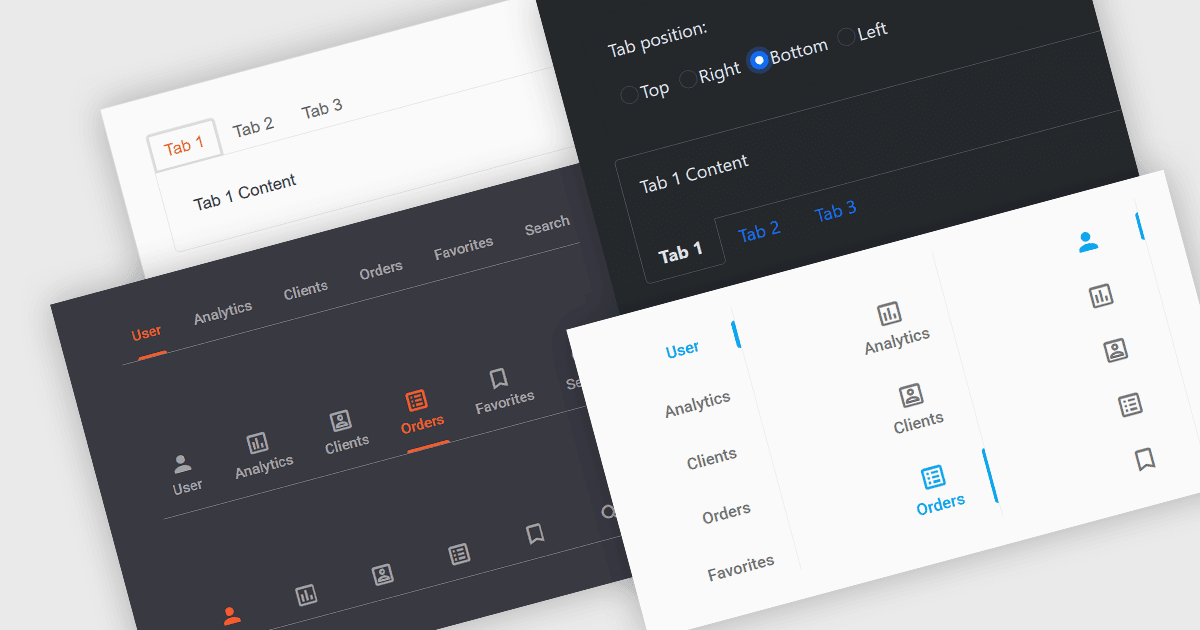
Tabs are a common user interface element that allows users to navigate between multiple sections or views within the same window by clicking on labeled tabs, typically displayed in a row. Each tab presents a different set of information or controls, helping to organize content in a way that reduces clutter and makes it easier to find relevant features without switching between multiple windows or pages. Creating a tabbed UI to switch between sections provides faster access to key areas, and improves usability by maintaining context. This approach is especially useful in applications with layered data or multiple tool sets, where managing space and context is critical.

Several Angular UI suites provide you with tab functionality, including:

  • DevExtreme Complete by DevExpress enables customizable tabbed navigation across forms, data views, and dynamic content areas for managing complex interfaces in Angular.
  • Wijmo by MESCIUS offers a versatile TabPanel component for creating tabbed layouts that organize content efficiently while maintaining performance and consistency.
  • Kendo UI by Telerik delivers a highly customizable TabStrip for Angular applications, enabling the organization and navigation of content via tabs in a single frame.
  • Infragistics Ignite UI provides full-featured tab component for arranging user interface elements logically, helping users switch views without leaving the main context.

For an in-depth analysis of features and price, visit our comparison of Angular UI suites.

Compare Angular UI Suites