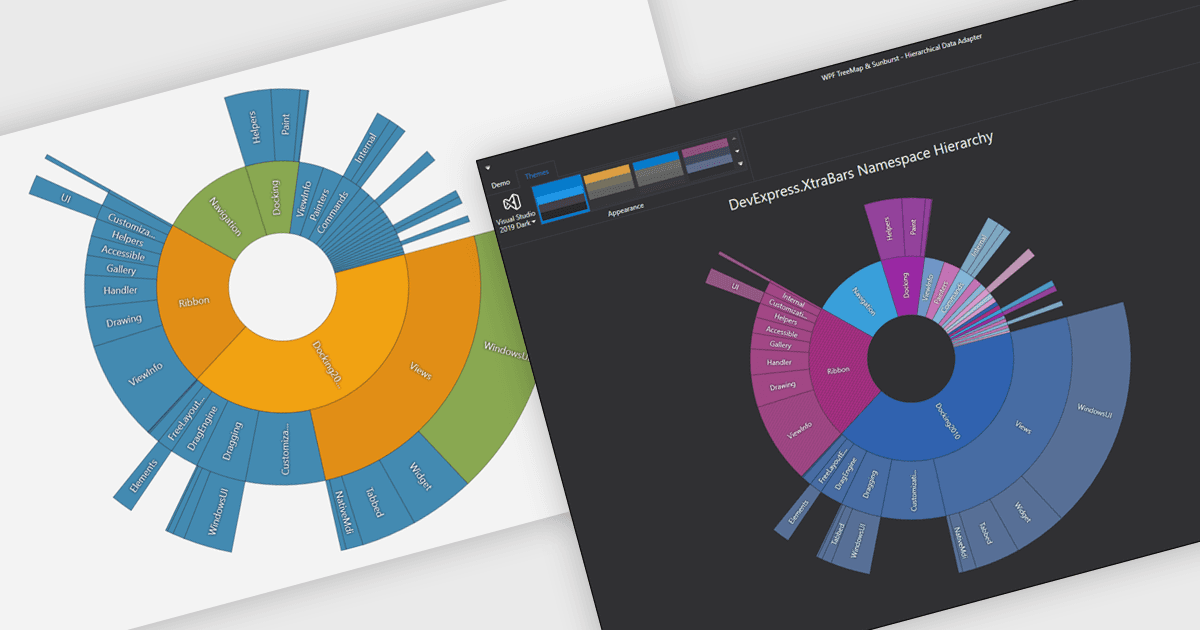
用一致的主题统一图表

9月 10, 2025
确保每个图表都遵循相同的颜色和字体,从而在报表、仪表板和演示文稿中提供作为一个整体的品牌外观。

继续用英语阅读:

Chart themes provide a simple yet powerful way to standardize the appearance of charts by applying predefined color schemes, fonts, and styling options across visualizations. Instead of manually adjusting each element, users can quickly switch between themes to achieve a consistent, professional look that aligns with brand guidelines or presentation needs. The benefits include improving readability, enhancing accessibility - with inclusive color palettes - and ensuring visual consistency across multiple charts or entire dashboards. Chart themes improve the process of creating impactful, audience-ready data visualizations.

Several .NET WPF chart components offer the ability to add themes, including:

  • Telerik WPF Chart (part of Telerik UI for WPF) allows you to switch seamlessly between chart themes, enhancing readability, accessibility, and visual appeal.
  • DevExpress WPF Chart (part of DevExpress WPF) lets you apply customizable chart themes, ensuring consistent fonts and colors that align with brand standards.
  • TeeChart WPF (pat TeeChart for .NET Standard Business Edition by Steema) facilitates professional data storytelling by using chart themes to improve style management.
  • Syncfusion WPF Chart (part of Syncfusion Essential Studio Enterprise) enables you to unify chart appearance using flexible themes, saving time and ensuring design consistency.

For an in-depth analysis of features and price, visit our .NET WPF charts comparison.

Compare .NET WPF Chart Components