在 PDF 文档中快速定位特定文本
使用 Angular 创建支持文本搜索功能的 PDF 查看器,让用户能在更少的时间内轻松查找所需信息。
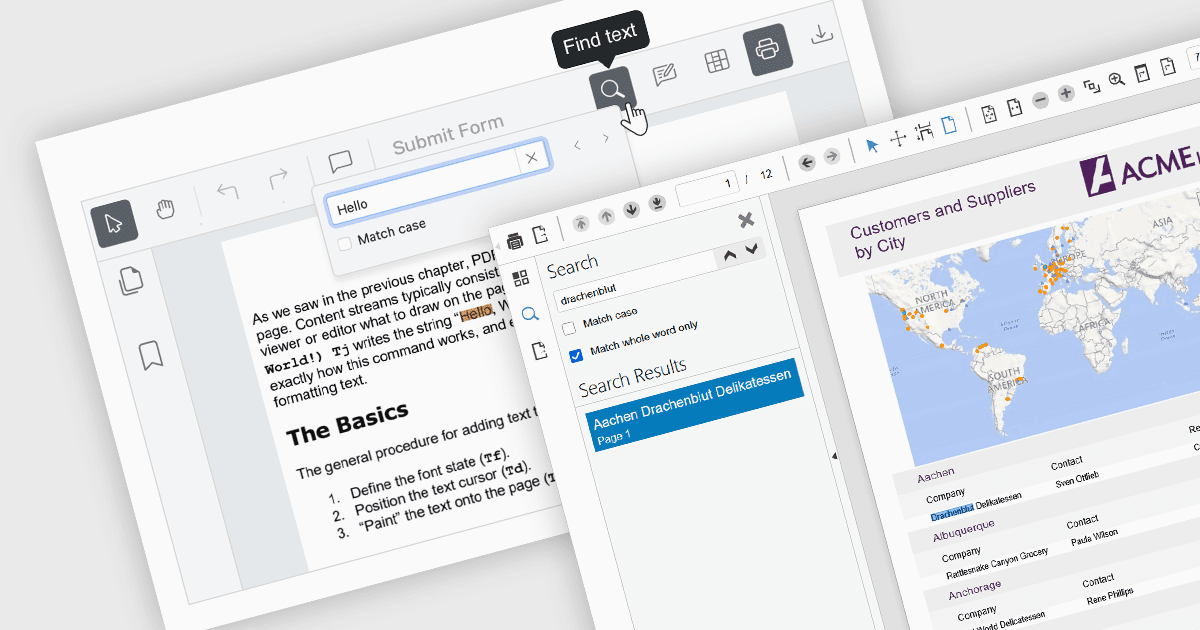
PDF 查看器中的文本搜索功能使用户能够通过在查看器内置的搜索框中输入关键词,快速定位 PDF 文档中的特定单词或短语。它通过扫描 PDF 的文本层来实现匹配结果高亮显示,并支持在各个出现位置之间进行快速导航。作为基础功能,这一应用非常广泛的特性具有重要的优势:无需手动滚动并逐段阅读内容,从而在查找相关信息时节省大量时间,尤其适用于较长、复杂或排版密集的文档。
一些 Angular PDF 查看器组件支持文本搜索,包括:
- Wijmo PDFViewer(MESCIUS 的 Wijmo)允许你直接在查看器界面中输入搜索词,即可立即在 PDF 文件中查找单词或短语。
- Kendo UI PDF for Angular(Telerik 的 Kendo UI)提供应用内的文本搜索功能,让用户可以快速查找并跳转到 PDF 中的特定内容。
- Syncfusion PDF Viewer(Syncfusion Essential Studio Enterprise 的一部分)使用户能够在整个 PDF 中查找并高亮匹配的文本内容。
如需深入了解功能与价格,请查看我们对 Angular PDF 查看器组件的比较。