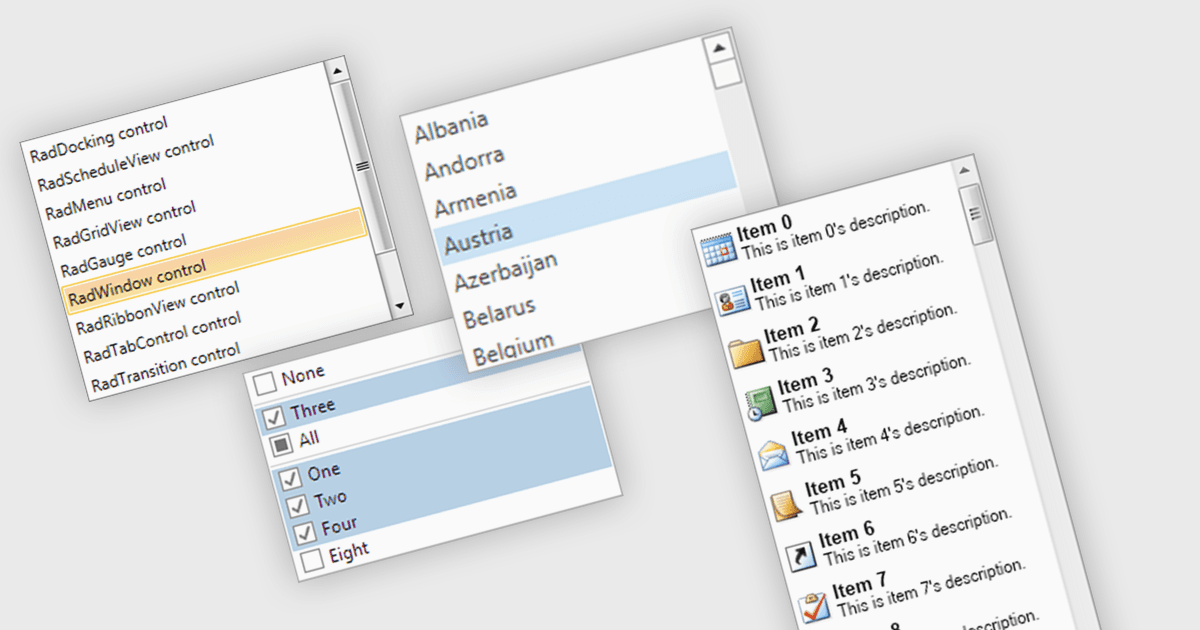
用列表框简化用户选择

9月 30, 2025
通过向用户提供一组预定义的可选选项来提高数据准确性和 UI 一致性。

继续用英语阅读:

A listbox is a user interface component that displays a collection of items from which a user can select one or more options. It is commonly used in forms, settings panels, or data entry screens to present predefined values in a scrollable format. For developers, a listbox offers a simple way to enforce valid input by limiting user choices, reduces the need for manual data entry, and improves UI consistency across applications. It also supports keyboard and mouse interaction, which helps enhance accessibility and usability without requiring complex custom controls.

Several .NET WPF data editor collections provide listbox controls including:

  • Telerik UI for WPF Data Editors (part of Telerik UI for WPF) lets you embed a listbox that supports data binding, multiple selection and drag‑and‑drop reordering.
  • DevExpress WPF Data Editors (part of DevExpress WPF) allows you to use a listbox bound to a data source, enabling single or multi-selection with customizable display.
  • Actipro Editors for WPF provides a listbox control that supports virtualization, hierarchical item adapters, and custom rendering for high‑volume datasets.
  • NOV UI for .NET Data Editors (part of NOV UI for .NET Data Editors) allows you to incorporate a cross‑platform listbox with data binding and selectable items.

For an in-depth analysis of features and price, visit our .NET WPF Data Editors comparison.

Compare .NET WPF Data Editors Components