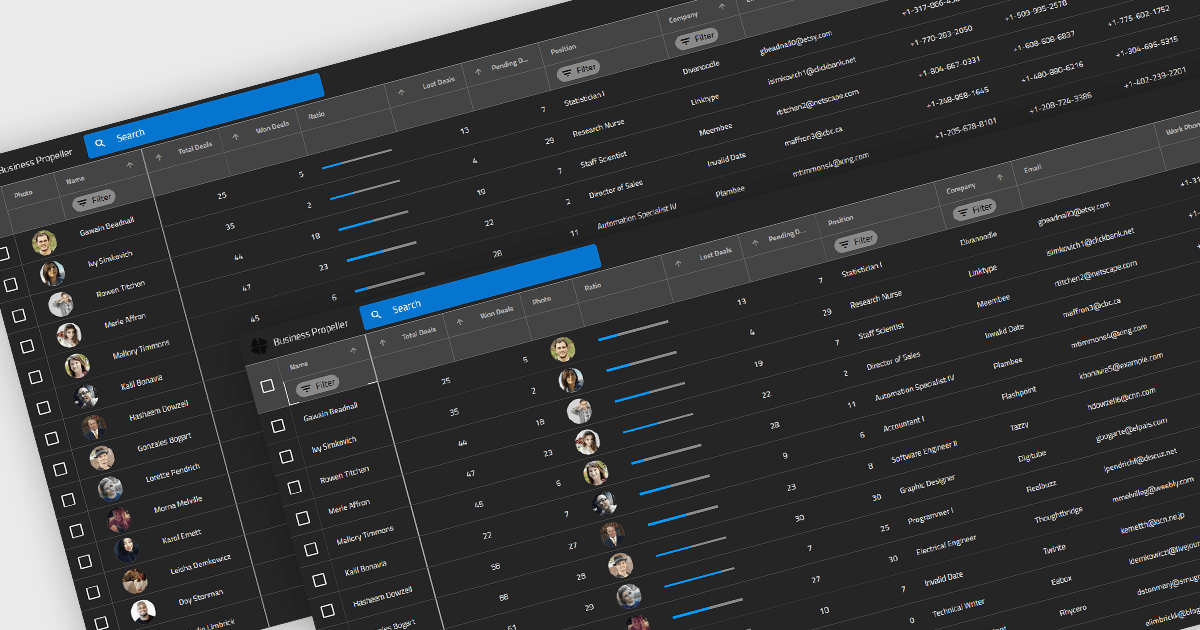
根据实际需求调整网格布局

10月 3, 2025
通过运行时列重新排序,开发人员可以提供灵活、用户友好的网格,其可适应不同的角色、任务或个人偏好。

继续用英语阅读:

Reordering columns in grid components enables end users to customize the layout of data by dragging column headers into new positions at runtime. This feature improves usability and flexibility, users can adapt the interface to their workflow, prioritize visible information, and reorganize data presentation without developer intervention. A robust implementation also supports programmatic reordering (for restoring user preferences or responding to logic), individual column reordering permissions, and integration with features like column persistence and layout saving.

Several Blazor grid controls offer support for column reordering including:

  • DevExpress Blazor Grid (part of DevExpress ASP.NET and Blazor) lets you rearrange columns by dragging headers, offering flexibility in layout customization.
  • Telerik UI for Blazor Grid (part of Telerik UI for Blazor) allows users to move columns interactively, making it easy to personalize data presentation.
  • FlexGrid for Blazor (part of ComponentOne Studio Blazor Edition by MESCIUS) facilitates dynamic column reordering, enabling users to adjust grid layouts visually.
  • Infragistics Blazor Data Grid (part of Infragistics Ignite UI) supports column repositioning through header dragging, helping users tailor data displays.

For an in-depth analysis of features and price, visit our Blazor grid controls comparison.

Compare Blazor Grid Controls