用 Blazor 菜单构建丰富的导航

10月 10, 2025
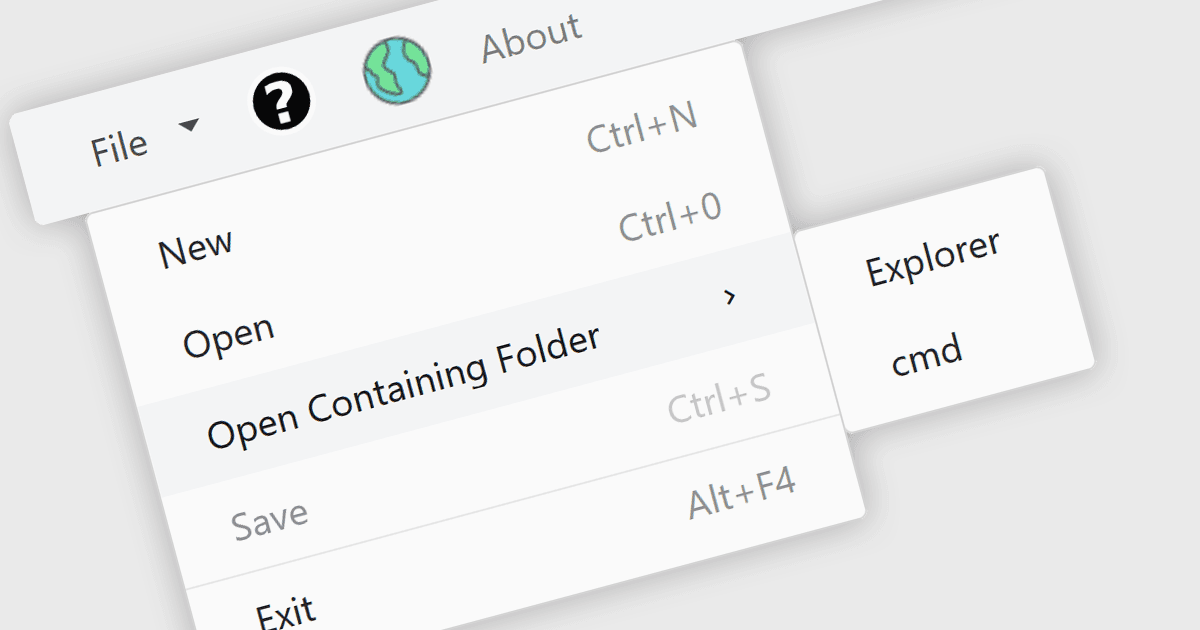
Blazor UI 库提供灵活的菜单组件,其中包含嵌套项、视觉对象自定义以及集成到新式 Web 布局。

继续用英语阅读:

Menu controls in a Blazor UI suite are user interface components that provide structured navigation through an application by organizing links or actions into hierarchical menus. These controls are particularly useful in web applications that require intuitive, accessible, and dynamic navigation elements. In Blazor, menu controls can be rendered either through server-side or WebAssembly-based components, allowing developers to build interactive menus using Razor syntax and C#. They support features like multi-level nesting, icons, templates, and binding to data sources, making them adaptable to a wide range of layouts and user experiences. Menu controls integrate smoothly with routing and layout systems, enabling developers to maintain a consistent navigation experience across the application.

Several Blazor UI suites provide Menu controls, including:

  • DevExpress ASP.NET and Blazor lets you build hierarchical menus with templates, icons, and orientation support, including a responsive layout with collapsing behavior.
  • Telerik UI for Blazor allows you to create multi-level menus with item templates, icons, and URL-based navigation that integrates with Blazor routing.
  • Nevron Open Vision for .NET provides context and ribbon menu controls for Blazor WebAssembly, with theme support, icons, checkable items, and multi-click interaction.
  • Blazorise offers a responsive Bar component that supports horizontal and vertical modes, with nested dropdowns and layout-friendly navigation options.
  • Smart UI (Smart HTML Elements) provides a dedicated Blazor Menu control with nested items, multiple display modes, rich styling, and context menu support.

For an in-depth analysis of features and price, visit our comparison of Blazor UI Suites.

Compare Blazor UI Suites