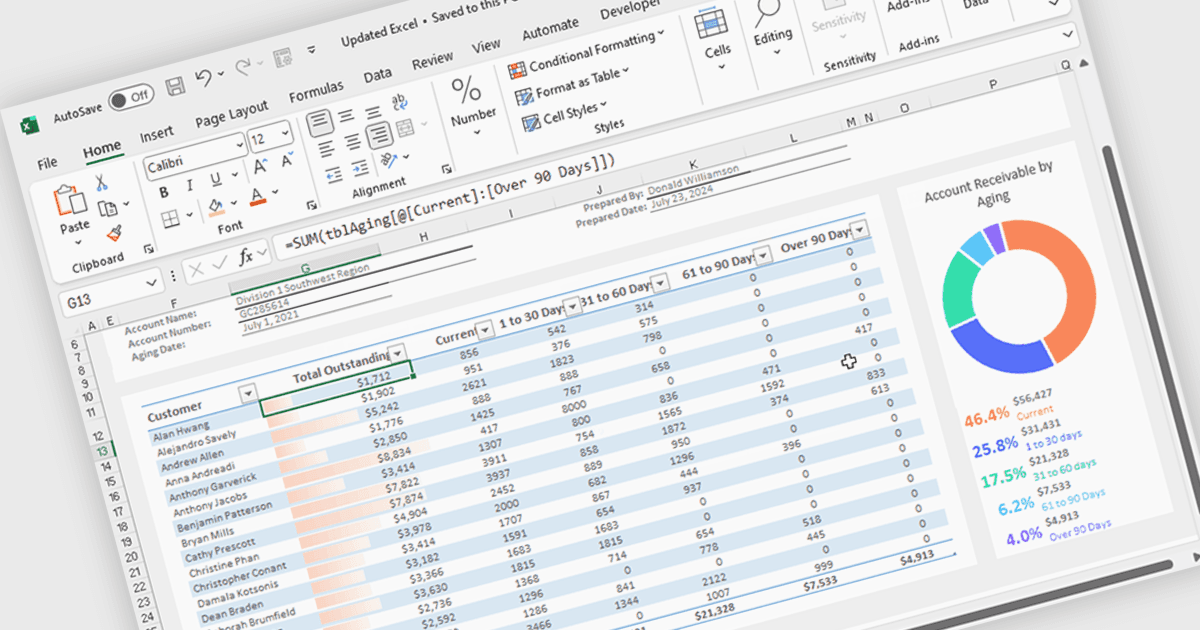
使用 WPF 导入和导出 Excel XLSX 文件

11月 27, 2025
使用 Spread.NET 在您的 WPF 应用中轻松导入和导出 Excel 表格。

继续用英语阅读:

Spread.NET helps you create spreadsheets, grids, dashboards, and forms. It includes a powerful calculation engine with 450+ functions and the ability to import and export Excel spreadsheets. You can develop in Visual Studio using VB or C# for WinForms, ASP.NET, and WPF.

In this blog post, MESCIUS Product Marketing Specialist Mackenzie Albitz guides you through four essential steps for importing and exporting Excel spreadsheets in your WPF applications:

  • Create a C#/VB WPF Spreadsheet Application
  • Define the User Interface for a WPF Spreadsheet App
  • Add Excel XLSX Import Code - OpenExcel Method
  • Add Excel XLSX Export Code - SaveAs Method

Detailed sample code is included and you can even download a finished sample project to follow along.

Read the complete blog post to learn the steps for integrating this powerful Excel functionality into your WPF applications.

Spread.NET is licensed per developer and is available as a Perpetual License with a 12 month support and maintenance subscription. We can supply any Spread.NET license including new licenses, maintenance renewals, and upgrade licenses. See our Spread.NET licensing page for full details.

For more information, visit our Spread.NET product page.