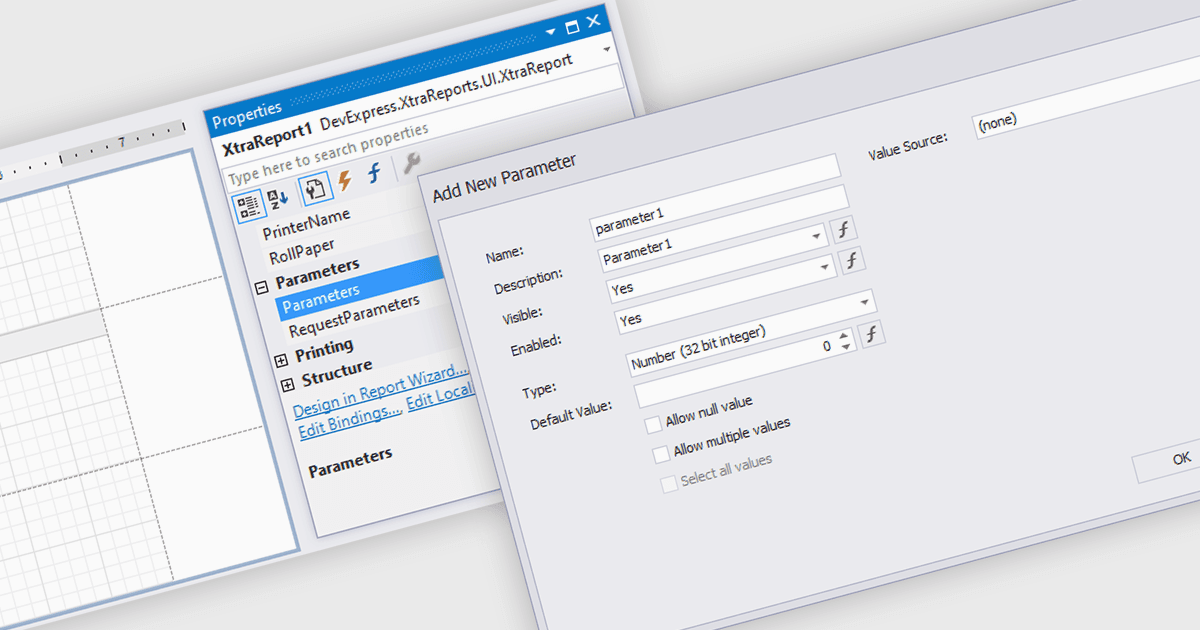
用专门设计的对话框优化报表输入

12月 11, 2025
用对话参数表创建更简洁、更一致的报表,从而确保筛选器、分组和计算的输入准确且经过验证。

继续用英语阅读:

Dialog forms for parameters in reporting provide a structured and user friendly way to collect the inputs needed for accurate, relevant reports. Instead of relying on manual entry or remembered criteria, users are guided through fields that ensure consistent and valid information. This improves report quality and reduces errors in scenarios such as choosing date ranges, product categories, regions, or departments. By centralizing parameter entry in a clean interface, dialog forms let users focus on interpreting results rather than managing input details.

Several .NET WinForms reporting components allow you to create dialog forms for parameters, including:

  • DevExpress Reporting lets you create guided parameter dialogs that collect accurate user inputs, improving report precision, usability, and efficiency across applications.
  • Telerik Reporting allows you to build intuitive parameter dialogs that improve data selection, ensuring users generate consistent, reliable reports with minimal effort.
  • FastReport .NET WinForms facilitates customizable parameter dialogs that validate user input, enhancing report accuracy and simplifying complex filtering and configuration tasks.
  • Stimulsoft Reports.NET enables structured parameter dialog creation that helps users supply correct reporting criteria, delivering clearer insights and more dependable results.

For an in-depth analysis of features and price, visit our comparison of .NET WinForms reporting components.

Compare .NET WinForms Reporting Components