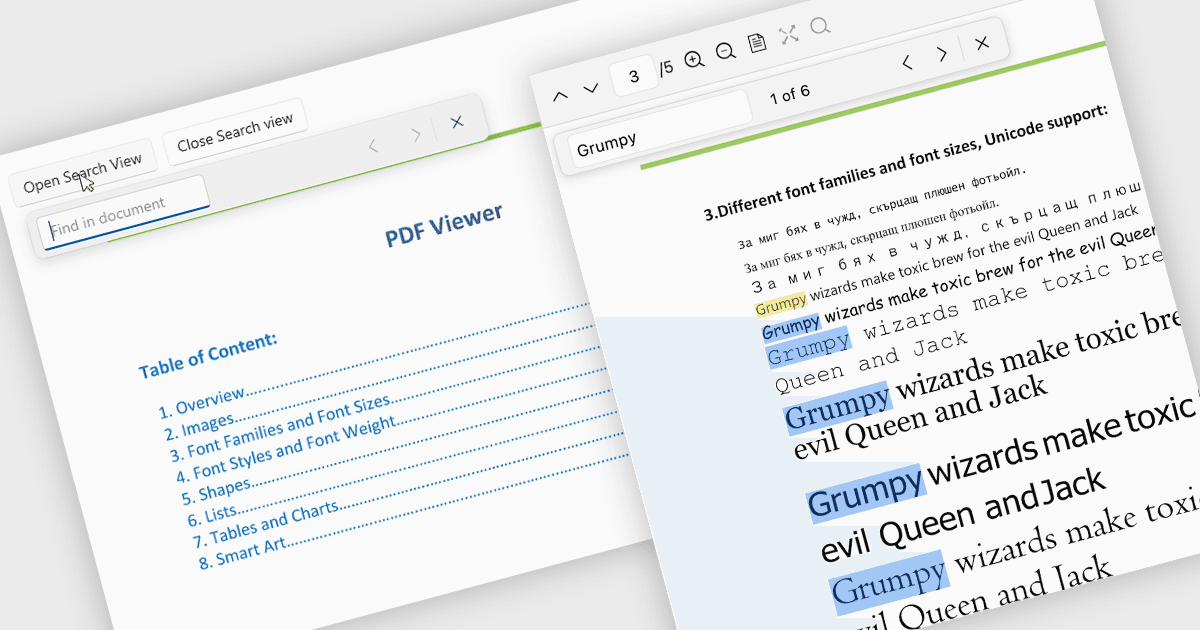
用关键词搜索在 PDF 中定位信息

3月 13, 2026
利用 PDF 搜索快速查找文本,帮助用户定位关键词、浏览文档并立即访问相关内容。

继续用英语阅读:

Search in a PDF viewer allows users to quickly locate specific words, phrases, or data within a document without manually scanning each page. By instantly highlighting and navigating between results, search makes it easier to work with large or complex PDFs such as reports, manuals, contracts, or research papers. This functionality improves productivity by helping users find relevant information faster, understand content in context, and move directly to important sections.

Several .NET PDF Viewer controls allow you to search for text in PDF files including:

  • Telerik UI for .NET MAUI PDF Viewer (part of Telerik UI for .NET MAUI) lets you quickly search text highlight matches and navigate results across pages.
  • IronPDF for .NET by Iron Software allows you to programmatically search PDF text, identify keywords and extract relevant content.
  • ImageGear for .NET by Accusoft facilitates fast text search within PDF pages enabling applications to locate phrases highlight results and guide navigation.
  • GroupDocs.Viewer for .NET lets developers search text across viewed PDF documents quickly find matches and display highlighted results within applications.

For an in-depth analysis of features and price, visit our .NET PDF Viewer controls comparison.

Compare .NET PDF Viewer Controls