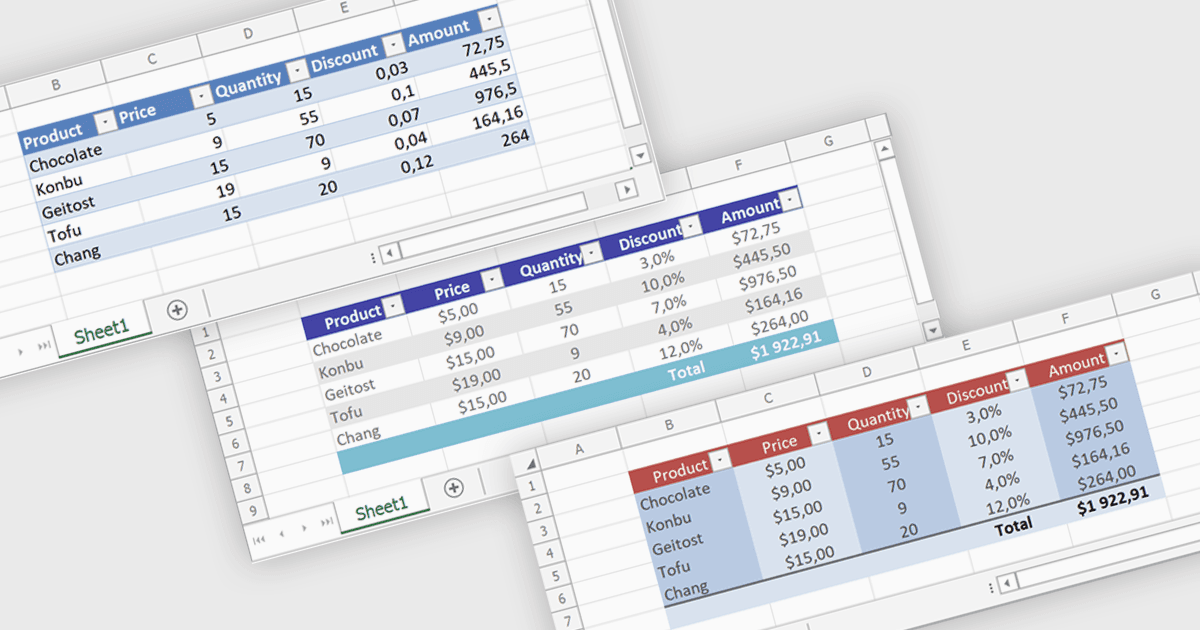
用结构化电子表格组织数据

4月 10, 2026
用电子表格改进数据管理,实现结构化组织、排序、筛选、一致的计算和更清晰的公式。

继续用英语阅读:

Spreadsheet tables provide a structured way to organize and manage data by grouping related information into defined rows and columns with built in functionality. They enhance usability by enabling automatic sorting and filtering, consistent formula application through calculated columns, and clearer data interpretation with structured references and styling. Tables can also expand dynamically as new data is added, reducing manual updates and errors. Common use cases include managing financial records, analyzing sales performance, tracking inventory, and working with data bound to external sources, making them a powerful tool for both everyday tasks and advanced data analysis.

Several .NET spreadsheet controls offer table support including:

  • DevExpress Excel Spreadsheet API for .NET (part of DevExpress Office File API) allows you to manage spreadsheet tables with data binding and calculated columns.
  • EPPlus by EPPlus Software facilitates creation of spreadsheet tables with built in filtering, totals, and structured references to simplify data organization.
  • Infragistics Excel Framework lets you work with spreadsheet tables supporting dynamic ranges, consistent formulas, and enhanced formatting for efficient data handling.
  • Xceed Workbooks for .NET lets you create spreadsheet tables with structured data, enabling sorting, filtering, and consistent calculations across dynamic datasets.

For an in-depth analysis of features and price, visit our .NET spreadsheet controls comparison.

Compare .NET Spreadsheet Controls