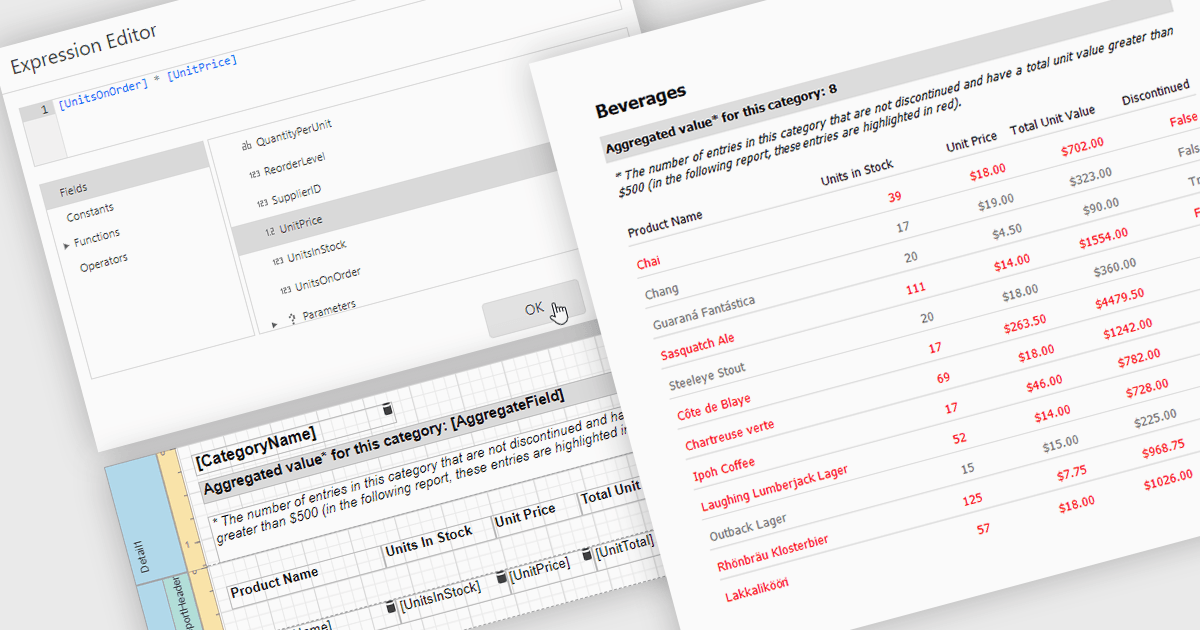
应用带有计算字段的自定义表达式

4月 13, 2026
通过合并字段、启用灵活分组和排序,并减少对源代码变更的依赖,将报表转化为有意义的见解。

继续用英语阅读:

Calculated fields in reports allow you to apply custom expressions to one or more data fields, enabling data to be transformed directly within the reporting environment. This makes it possible to create new metrics such as percentages, ratios, or combined values without changing the underlying data source. As a result, reporting becomes more flexible and efficient, helping users uncover deeper insights and tailor outputs to specific needs. Calculated fields can also be used to group and sort data dynamically, improving how information is organized and presented. Common use cases include calculating profit margins, creating performance indicators, and combining fields to enhance report clarity.

Several .NET reporting controls offer calculated field functionality including:

  • DevExpress Reporting lets you create calculated fields to transform data, build custom metrics, and enable flexible grouping and sorting within reports.
  • Telerik Reporting allows you to define calculated fields that combine data sources, generate meaningful insights, and enhance report organisation through grouping.
  • Stimulsoft Reports.NET facilitates calculated fields to process data using expressions, create tailored values, and improve report clarity with advanced grouping capabilities.
  • FastReport .NET WEB lets you use calculated fields to manipulate report data, derive new metrics, and organise information through custom sorting and grouping.

For an in-depth analysis of features and price, visit our comparison of .NET Reporting controls.

Compare .NET reporting controls