用功能区布局优化功能访问

4月 17, 2026
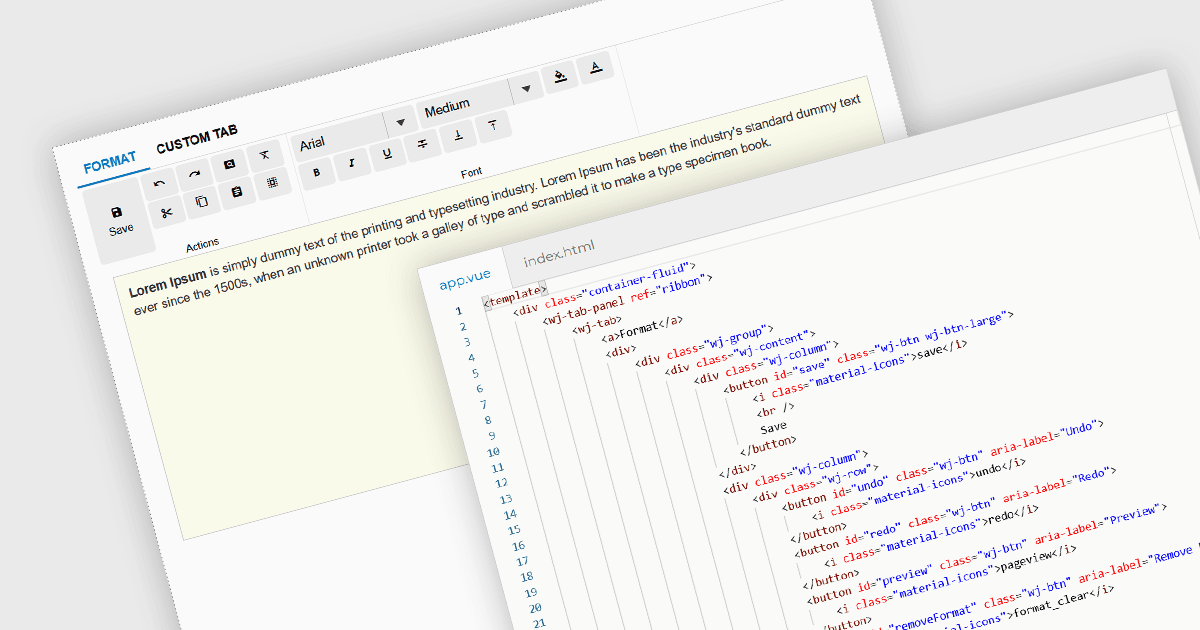
设计使用带状模式的 Vue.js 应用程序来组织命令、输入和控件,以加快访问速度。

继续用英语阅读:

Ribbon bars are graphical user interface (GUI) patterns that organize commands and features into a series of tabs, each containing grouped controls such as buttons, dropdowns, and galleries. Widely adopted in modern software applications, ribbons present functionality in a structured and visually accessible layout to improve discoverability. This approach reduces reliance on deeply nested menus and toolbars, enabling users to locate relevant tools more quickly based on context.

Several Vue.js user interface suites provide ribbon functionality, including:

  • Wijmo by MESCIUS enables ribbon-style interfaces using components such as TabPanel to organize commands into tabs with grouped controls.
  • jQWidgets provides a ribbon-like structure, which offers tabbed navigation and allows developers to embed toolbars, buttons, and layouts to create grouped command areas.
  • SmartClient by Isomorphic Software supports ribbon-style interfaces, allowing developers to construct tabbed navigation with organized command groups.

For an in-depth analysis of features and price, visit our comparison of Vue.js UI suites.

Compare Vue.js UI Suites