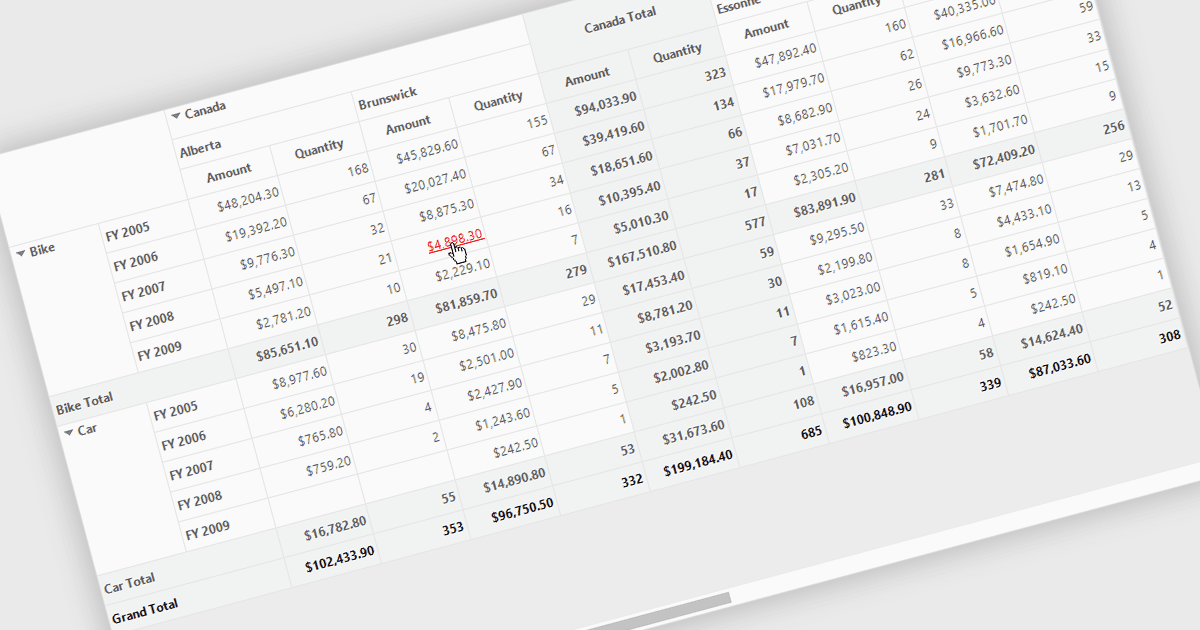
Connect Data Faster with Grid Hyperlinks

4月 23, 2026
Interactive grid links enable navigation to related content, improving user experience, increasing productivity, and helping users access information.

Hyperlinks in grids allow individual cells to function as clickable links, enabling users to navigate directly to related records, pages, or external resources. This makes data more interactive and improves usability by reducing manual searching. Users can quickly access additional context such as detailed views, reports, or linked systems without leaving the grid. Common use cases include linking customer names to profiles, order IDs to transaction details, or connecting data to external documentation, helping improve productivity and efficiency.

Several .NET WinForms grid controls offer hyperlink cell types, including:

  • Telerik UI for WinForms GridView (part of Telerik UI for WinForms) lets you embed hyperlinks in cells to enable navigation to related records and resources.
  • ComponentOne WinForms FlexGrid (part of ComponentOne Studio WinForms by MESCIUS) allows you to incorporate hyperlink cells that enable navigation to related data.
  • Syncfusion WinForms DataGrid (part of Syncfusion Essential Studio Enterprise) facilitates clickable hyperlinks within cells, helping users access related data without leaving context.
  • Bunifu UI WinForms allows you to design grids with hyperlink enabled cells, providing intuitive navigation and enhancing user interaction efficiency.

For an in-depth analysis of features and price, visit our .NET WinForms grid controls comparison.

Compare .NET WinForms Grid Controls