在 WinForms 应用中增强文本质量

4月 24, 2026
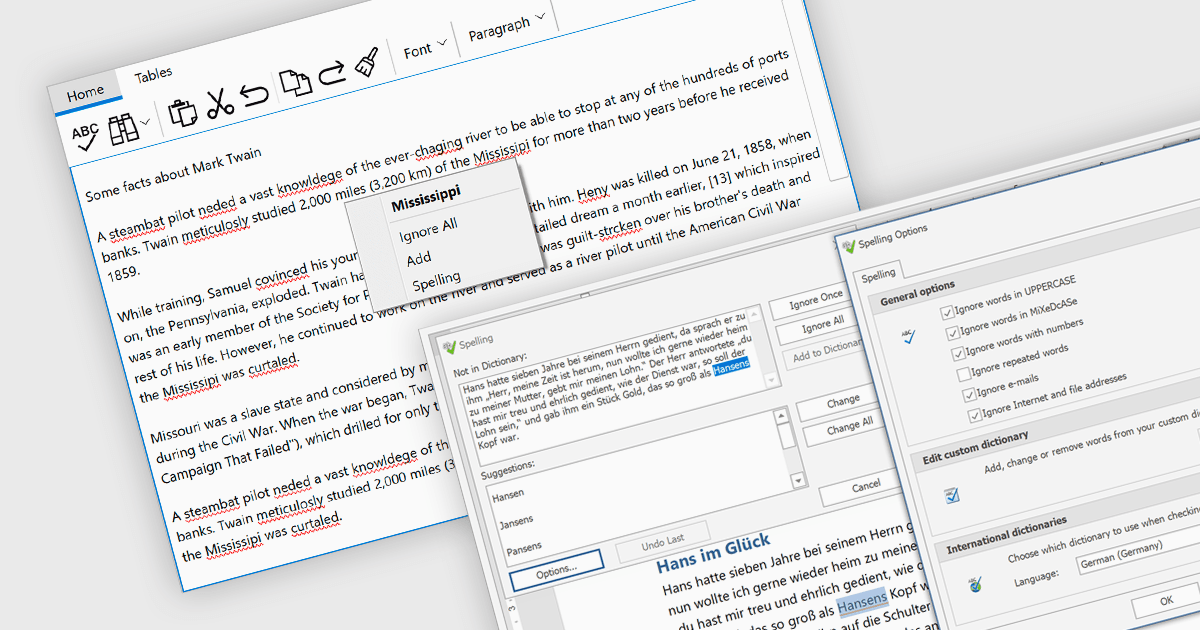
将拼写检查组件集成到您的应用中以实时验证拼写,从而有助于提高用户输入内容的质量。

继续用英语阅读:

Spell checker components are reusable software modules that provide automated spelling validation within applications, typically integrated into text editors, data entry forms, or rich text controls. They use dictionaries and optional user-defined vocabularies to identify and suggest corrections for misspelled words, either in real time or during batch processing, with some implementations also incorporating language-specific rules. The primary benefits include improved data accuracy, enhanced user experience, and reduced manual proofreading effort, particularly in applications that rely heavily on text input such as document management systems, messaging tools, and reporting interfaces.

Several WinForms UI suites provide you with spell checker components, including:

  • DevExpress WinForms includes a spell checker that integrates with text controls, offering real-time validation, custom dictionaries, and multi-language support.
  • ComponentOne Studio WinForms by MESCIUS provides a spell checker for text inputs, supporting dictionaries, custom word lists, and suggestions or dialogs.
  • Telerik UI for WinForms includes a spell checker with multiple dictionaries, customizable word lists, and both real-time and dialog-based validation across text controls.
  • Infragistics Ultimate UI for Windows Forms provides a spell checker for text inputs, supporting multiple dictionaries, custom word lists, and as-you-type or dialog validation.

For an in-depth analysis of features and price, visit our comparison of WinForms UI suites.

Compare WinForms UI Suites