从PDF文档中提取文本
通过允许用户在Blazor应用中的PDF查看器中直接选择和复制文本,提供一种方便的信息捕获和重用方式。
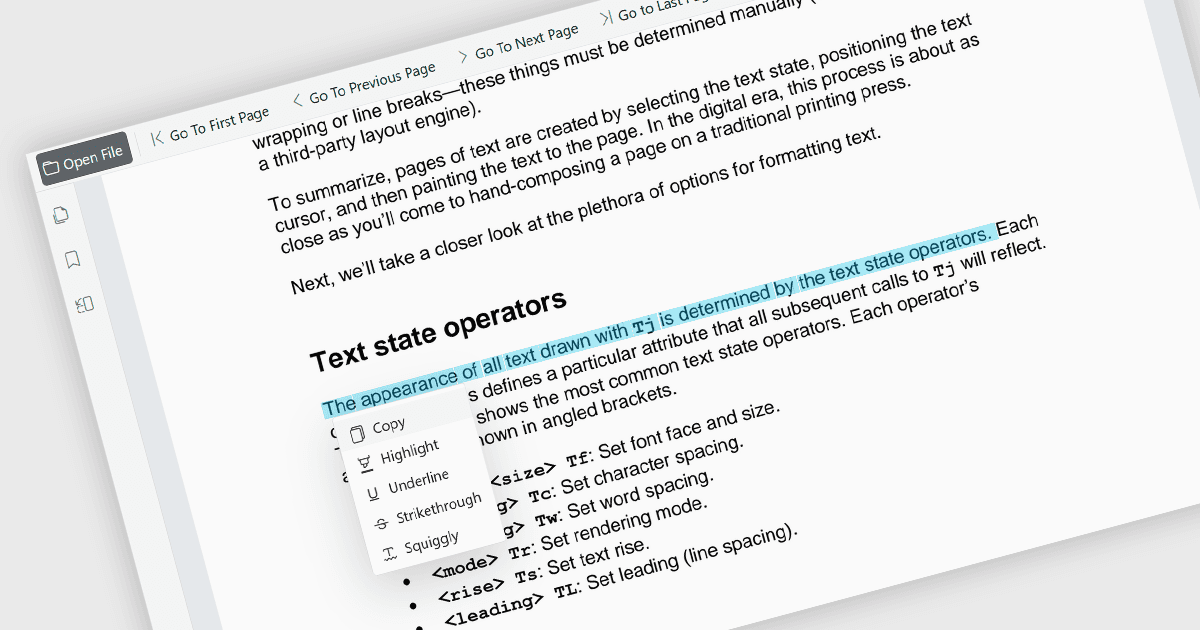
在PDF查看器中直接选择和复制文本的功能使用户能够突出显示内容并将其传输到其他应用程序,而无需离开文档。此功能能够高效地从PDF文件中提取信息,减少手动重新输入内容的需求,并帮助减少错误。它支持包括研究、文档审阅、内容重用和跨团队协作在内的广泛使用场景。此功能通过简化信息重用、关键细节提取、支持研究活动以及将内容整合到报告、电子邮件、演示文稿或其他业务文档中,同时保持高效的阅读体验,从而提升生产力。它还提升了可访问性和可用性,使用户能够以更灵活和实用的方式与文档内容交互。
多个Blazor PDF查看器组件支持文本选择和复制,包括:
- ComponentOne Blazor FlexViewer(MESCIUS的ComponentOne Studio Blazor Edition的一部分)允许用户在PDF文档中选择文本并将选择的内容复制到剪贴板中以便于其他地方使用。
- Telerik UI Blazor PDF Viewer(Telerik UI for Blazor的一部分)提供文本选择功能,允许用户直接在显示的PDF文件中选择和交互文本,支持常见的文档审阅、参考和内容提取场景。
- Syncfusion Blazor PDF Viewer SDK(Syncfusion Essential Studio Enterprise的一部分)支持文本选择和复制操作,允许用户从PDF文件中提取内容,并将选定文本传输到其他应用中使用。
有关功能和价格的深入分析,请访问我们的Blazor PDF查看器组件比较。