Organize Grid Data into Meaningful Groups

7月 20, 2026
Group related records into logical sections, making it easier to navigate data, compare values, and identify meaningful trends.

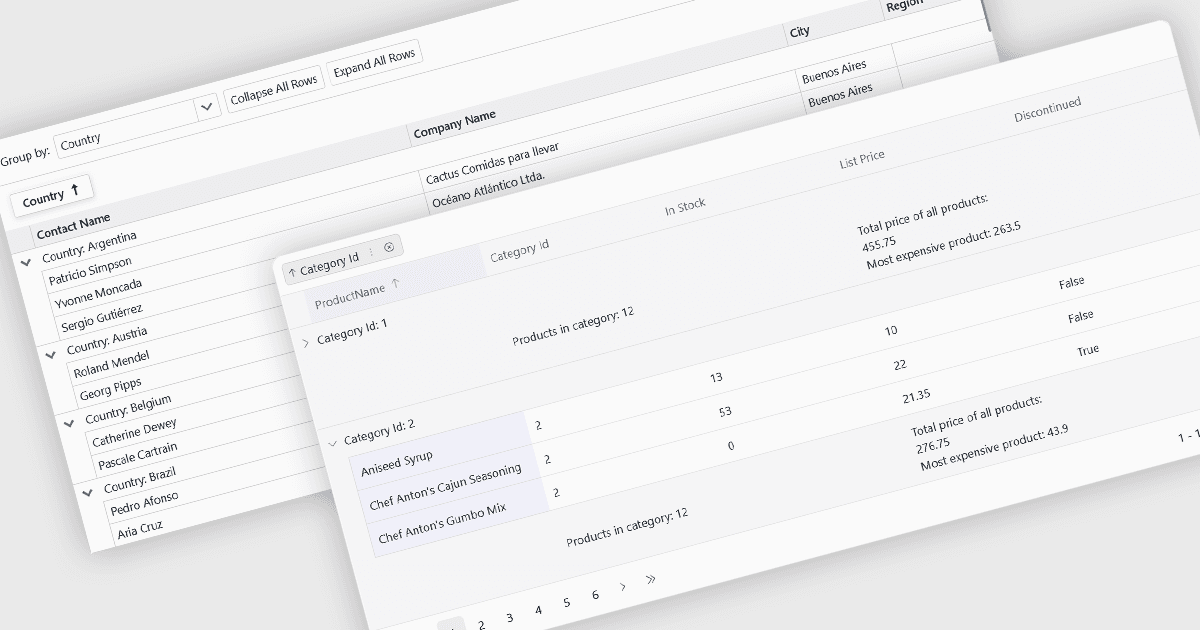
Grouping allows users to organize data by one or more columns, making large datasets easier to navigate and analyze. By collecting related records into expandable groups, it becomes simpler to identify patterns, compare values, and focus on relevant information without manually filtering or sorting the data.

Several Blazor grid controls offer support for grouping including:

  • DevExpress Blazor Grid (part of DevExpress ASP.NET and Blazor) supports grouping by dragging column headers into a dedicated group panel or through code, with expandable group rows, summaries, and support for multiple grouping levels.
  • Telerik UI Blazor Data Grid (part of Telerik UI for Blazor) provides interactive grouping through a configurable group panel, allowing users to group by multiple columns while displaying aggregate values and hierarchical group structures.
  • ComponentOne Blazor FlexGrid (part of ComponentOne Studio Blazor Edition by MESCIUS) includes flexible grouping through its CollectionView data layer, enabling developers to define grouped views programmatically with expandable groups and calculated aggregates.
  • Syncfusion Blazor DataGrid (part of Syncfusion Essential Studio Enterprise) offers drag-and-drop grouping with support for multiple grouped columns, lazy loading, caption summaries, and extensive customization options for the grouping experience.

For an in-depth analysis of features and price, visit our Blazor grid controls comparison.

Compare Blazor Grid Controls