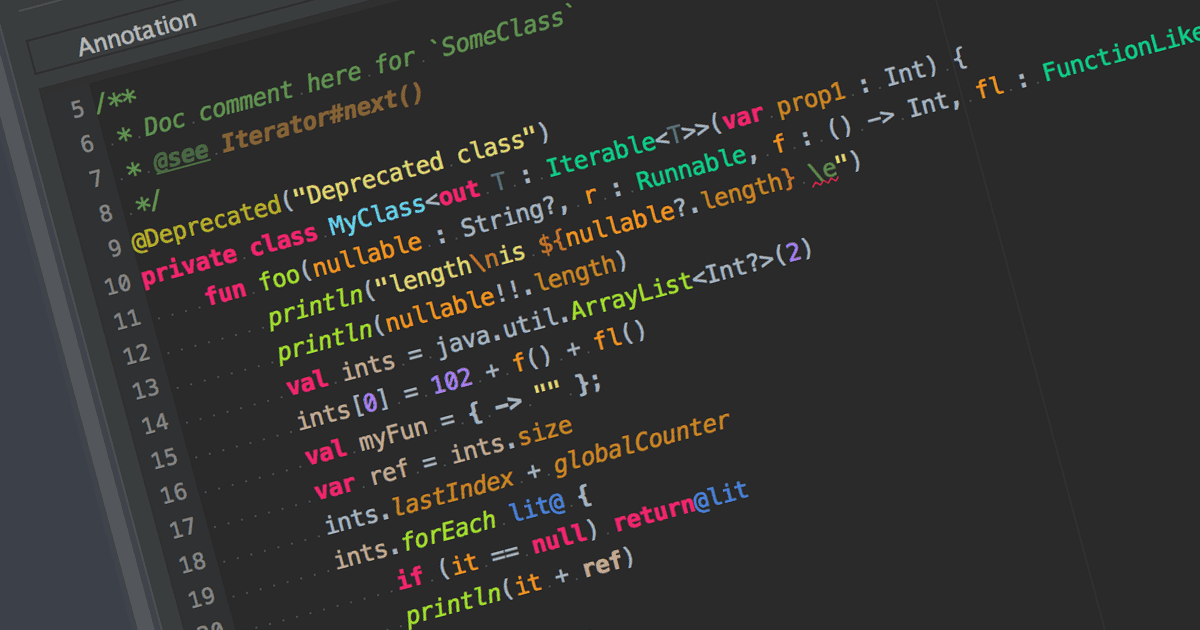
用著色語法提高代碼清晰度

6月 16, 2023
高亮顯示關鍵語言元素,使代碼閱讀更易、審查更快並跨任何規模的專案調試更簡單。

繼續用英語閱讀:

Syntax highlighting is a feature in text editors and IDEs that colorizes code based on programming language syntax. It improves code readability by visually differentiating keywords, variables, and other elements. This reduces syntax-related errors, helping developers quickly spot mistakes and better understand the structure and logic of their code.

Many IDEs offer syntax highlighting, including:

  • IntelliJ IDEA by JetBrains delivers intelligent syntax highlighting that adapts to the context of the code, combining color differentiation with real-time analysis.
  • UltraEdit Enterprise is a powerful IDE that supports syntax highlighting for various programming languages such as C++, Java and more.
  • B4i (iOS) by Anywhere Software is an IDE with syntax highlighting support, specifically designed for iOS app development.
  • PrimalScript by SAPIEN Technologies is a comprehensive IDE with support for multiple programming languages, including PowerShell, VBScript, and JavaScript.

For an in-depth analysis of features and price, visit our comparison of IDEs.

Compare IDEs