用功能區欄加強 WPF 應用

7月 4, 2023
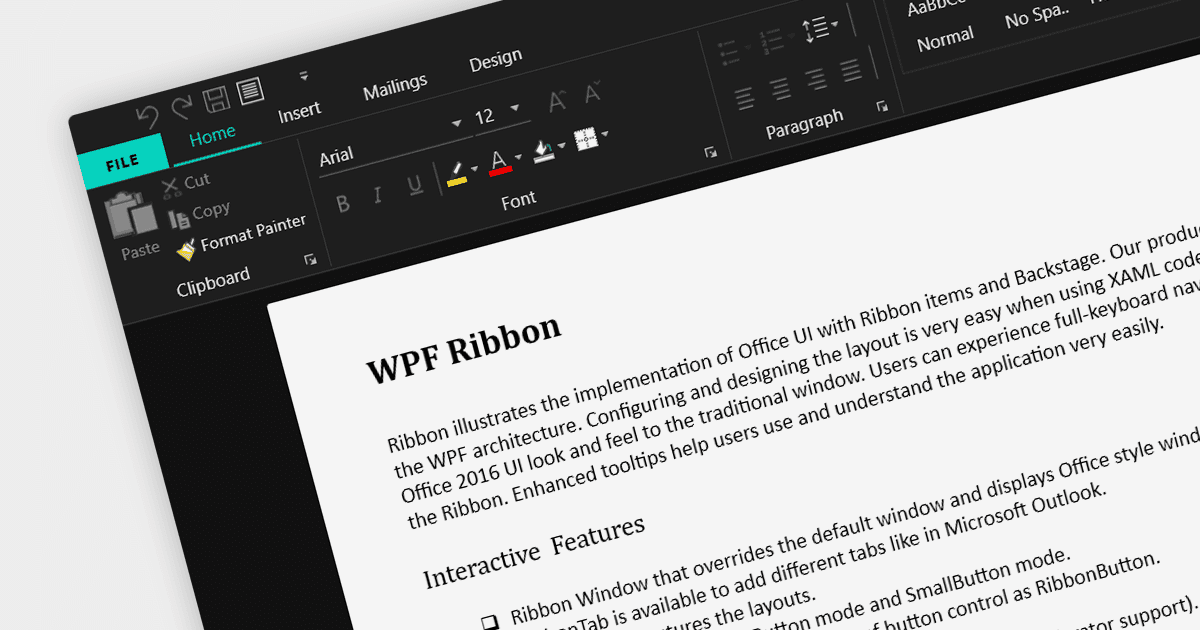
用功能區功能表為您的使用者提供新式、使用者友好的使用者介面。

繼續用英語閱讀:

A ribbon control is a graphical user interface element that consists of a horizontal strip displaying various commands and functions organized into tabs and groups for easy access and navigation. Ribbons are designed to be easy to use and understand. Tools are grouped together in a logical way, making it easy for users to find the commands they need, even if they are not familiar with the application.

Here are some example WPF UI suites that offer a ribbon control:

  • DevExpress WPF provides a comprehensive set of WPF controls, including a feature-rich Ribbon control for creating modern and efficient user interfaces. With its extensive customization options and built-in functionalities, it simplifies the development process and enhances the end-user experience.
  • Infragistics Ultimate UI for WPF offers a ribbon that comes with various design options, seamless integration with other controls, enabling developers to build interactive and visually appealing applications.
  • Telerik UI for WPF includes a versatile RibbonView control that enables developers to design intuitive and productive UIs. RibbonView integrates easily with other Telerik controls and provides a consistent look and feel across different platforms.
  • Actipro WPF Studio offers a highly customizable Ribbon control, empowering developers to craft professional-grade user interfaces. With extensive styling options and support for WPF features like commands and application menus, Actipro enables developers to build stunning ribbon-based applications.

For an in-depth analysis of features and price, visit our comparison of WPF UI suites.

Compare WPF UI Suites