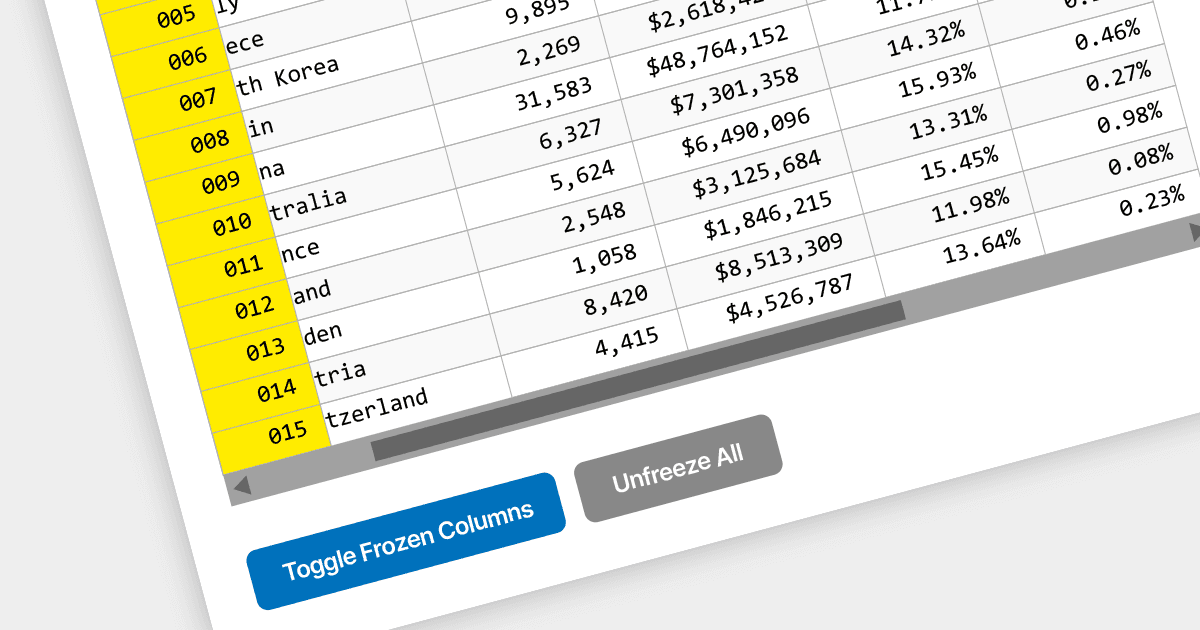
保持重要列在 React 網格中能看到

11月 27, 2023
實現列凍結功能,以確保即使使用者水準滾動流覽大型網格也能看到。

繼續用英語閱讀:

Locked column functionality (also known as frozen or pinned column) allows users to keep one or more columns static while scrolling horizontally through a grid. This is an essential feature for comparing data across a wide grid, ensuring that key information, such as a row identifier column, remains in view.

Several React grid components offer column freezing functionality including:

  • DevExtreme HTML5 JavaScript Data Grid (part of DevExtreme Complete by DevExpress) can pin key columns for easy reference while scrolling through wide datasets.
  • Wijmo FlexGrid (part of Wijmo by MESCIUS) freezes columns to maintain the visibility of essential data during horizontal scrolling.
  • Ignite UI React Grid (part of Infragistics Ignite UI) keeps critical columns in view while scrolling horizontally through extensive data.
  • KendoReact Data Grid (part of KendoReact by Telerik) locks columns for persistent visibility when scrolling extensively across data.
  • Syncfusion Grid control for JavaScript (part of Syncfusion Essential Studio Enterprise) freezes columns for continuous access to important data during horizontal scrolling.

For an in-depth analysis of features and price, visit our comparison of React Grid components.

Compare React Grid Components