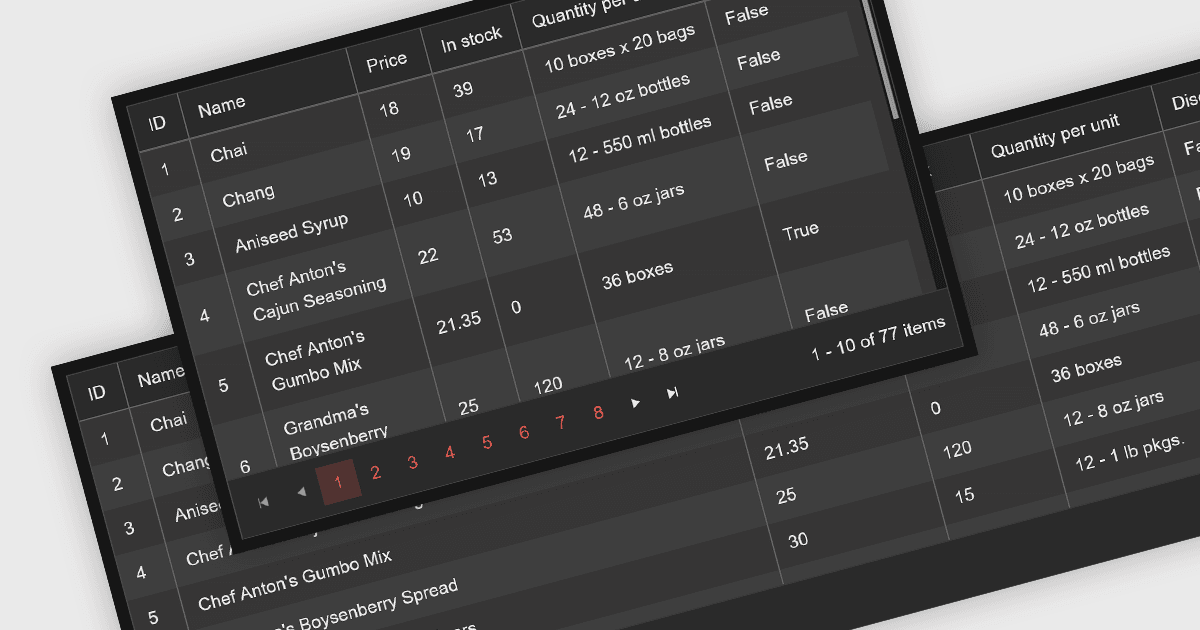
確保網格跨設備顯示一致

2月 1, 2024
支援回應式佈局的網格控制項可確保在桌面、行動裝置和 Web 上跨各種螢幕尺寸存取您的資料。

繼續用英語閱讀:

Leveraging a Blazor grid control with responsive layout empowers your application with optimal data visualization across diverse screen sizes and orientations. This enhances the user experience by ensuring seamless navigation, readability, and interaction with grid content, regardless of whether it's being accessed from a desktop computer, tablet, or mobile phone. This flexibility fosters wider accessibility, improves user engagement, and ultimately strengthens the overall value proposition of your Blazor application.

Several Blazor grid controls offer responsive layouts including:

  • DevExpress Blazor Data Grid (part of DevExpress ASP.NET and Blazor) seamlessly adapts to various screen sizes with column resizing and flexible layouts.
  • FlexGrid for Blazor (part of ComponentOne Studio Blazor Edition by MESCIUS) leverages a flexible grid system for a fluid and responsive user experience across devices.
  • Syncfusion Blazor DataGrid (part of Syncfusion Essential Studio Enterprise) optimizes columns and layouts for automatic device-perfect viewing.
  • Telerik UI for Blazor Grid (part of Telerik UI for Blazor) enhances mobile usability with built-in touch gestures and responsive breakpoints.

For an in-depth analysis of features and price, visit our Blazor grid controls comparison.

Compare Blazor Grid Controls