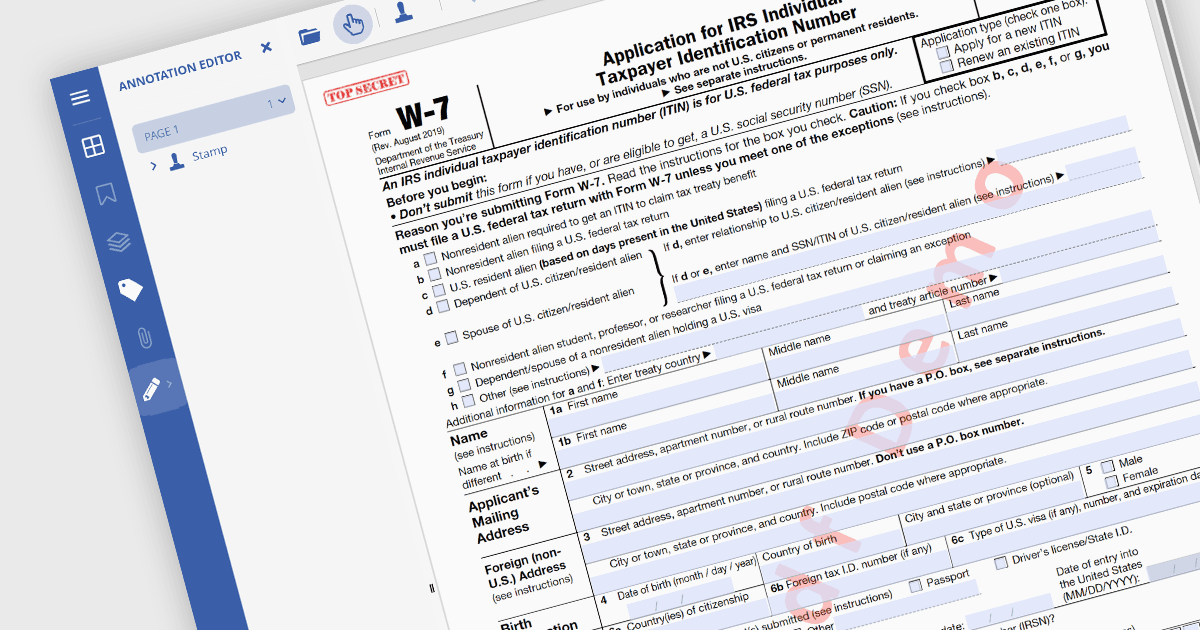
用浮水印提高 PDF 安全性和品牌

2月 19, 2024
在 PDF 文件上加蓋文字或圖像浮水印,以防止抄襲並加強您的品牌形象。

繼續用英語閱讀:

PDF watermarking is the process of embedding a semi-transparent text or image overlay onto a PDF document. This visual identifier, often used for copyright protection or branding, sits behind the main content, subtly preventing unauthorized copying or modification while still allowing the document's message to be conveyed. Watermarks can be applied to all pages or specific ranges, offering versatility for various use cases.

Several .NET PDF viewer components allow you to add watermarks to a PDF, including:

  • Telerik UI PDF for WPF (part of Telerik UI for WPF) offers robust PDF manipulation capabilities for WPF applications, including watermarking.
  • Syncfusion Xamarin PDF (part of Syncfusion Essential Studio Enterprise) lets developers embed custom watermarks in PDFs, ensuring document authenticity across platforms.
  • Document Solutions for PDF by MESCIUS provides tools for adding watermarks to PDFs, supporting document protection and identity reinforcement in .NET environments.
  • GroupDocs.Viewer for .NET facilitates the display of PDFs with watermarks in .NET applications, ensuring secure and branded document viewing.

For an in-depth analysis of features and price, visit our comparison of .NET PDF viewer components.

Compare .NET PDF Viewer components