在不丟失上下文的情況覽大型試算表

2月 20, 2024
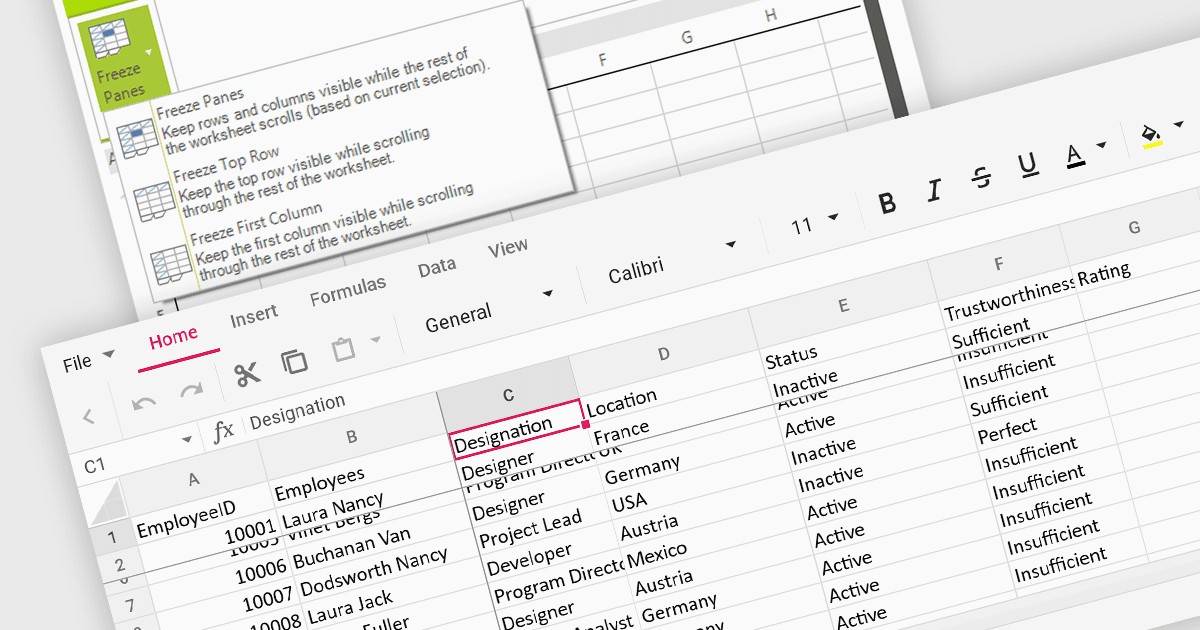
將對凍結窗格的支援添加到您的試算表允許使用者在記住關鍵參考點的同時滾動流覽大量資料。

繼續用英語閱讀:

Freeze pane support allows you to fix specific rows or columns in place while scrolling through the rest of the data. This is particularly useful for large spreadsheets with header rows or key columns you need to reference constantly. By freezing panes, you ensure these crucial elements remain visible even as you navigate across vast datasets, improving readability and data analysis efficiency.

Several WinForms spreadsheet controls offer freeze pane support including:

  • DevExpress WinForms Spreadsheet (part of DevExpress WinForms) provides you with the ability to fix headers and key columns for seamless navigation in massive datasets.
  • Aspose.Cells for .NET allows you to lock specific rows and columns in place while scrolling, improving spreadsheet readability and navigation.
  • Syncfusion WinForms Spreadsheet (part of Syncfusion Essential Studio Enterprise) allows you to freeze rows or columns for effortless scrolling within complex spreadsheets.
  • Telerik WinForms Spreadsheet (part of Telerik UI for WinForms) enables you to pin headers and columns for intuitive navigation and improved data comprehension.

For an in-depth analysis of features and price, visit our WinForms spreadsheet controls comparison.

Compare WinForms Spreadsheet Controls