用超連結導航將交互性添加到 PDF

2月 23, 2024
讓使用者能夠透過按一下嵌入的超連結在 PDF 文件中導航或訪問外部網站和檔。

繼續用英語閱讀:

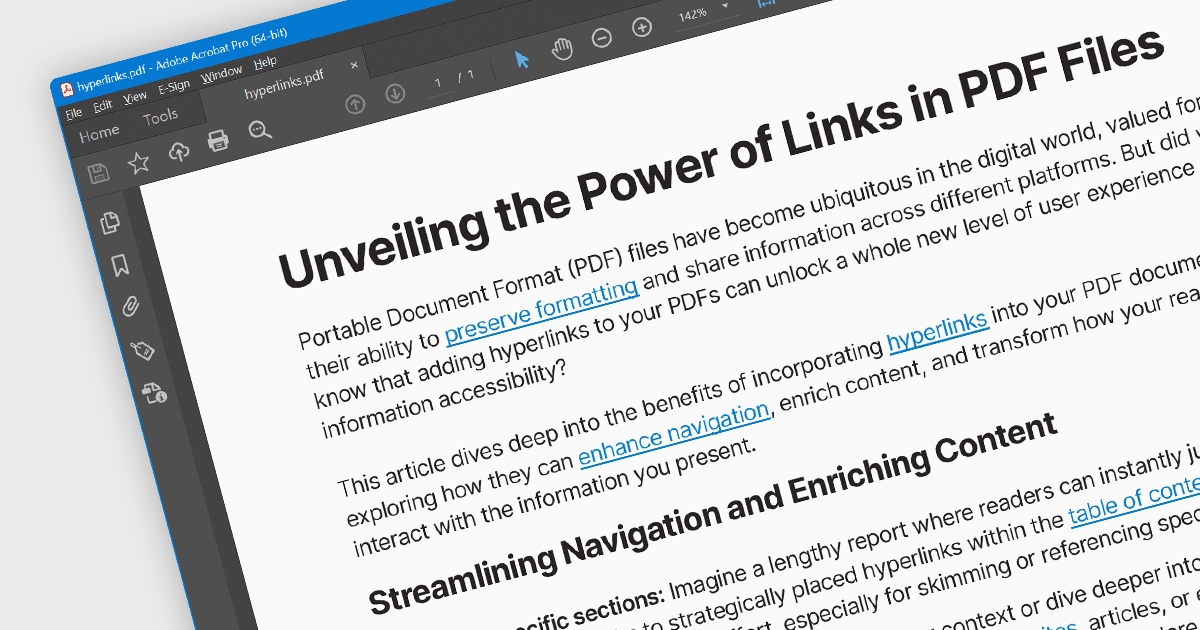
Hyperlink navigation allows users to seamlessly jump to different sections of the document, external websites, or other files by clicking on embedded hyperlinks. These links are typically highlighted or underlined, and clicking them triggers actions based on their type, such as navigating to a specific page within the PDF, opening a web page, or launching an external application. This functionality enhances user experience by enabling easy exploration of related information and resources directly from within the PDF document.

Several WinForms PDF Viewer components offer hyperlink navigation, including:

  • DevExpress WinForms PDF Viewer (part of DevExpress WinForms) streamlines PDF navigation with intuitive hyperlink handling, including internal jumps, external URLs, and embedded document opening.
  • ComponentOne Studio WinForms PDF (part of ComponentOne Studio WinForms by MESCIUS) simplifies PDF interaction with built-in hyperlink support, offering smooth navigation to internal pages, external websites, and embedded documents.
  • Telerik UI PDF for WinForms (part of Telerik UI for WinForms) enhances PDF exploration with responsive hyperlinks, enabling seamless transitions between internal destinations, external sites, and embedded documents.
  • Syncfusion Windows Forms PDF (part of Syncfusion Essential Studio Enterprise) allows users to navigate PDFs effortlessly with clickable hyperlinks, supporting page jumps, external web pages, and embedded document opening with customizable behavior.

For an in-depth analysis of features and price, visit our WinForms PDF Viewer components comparison.

Compare WinForms PDF Viewer Components