跟蹤錯誤並改進您的代碼

3月 20, 2024
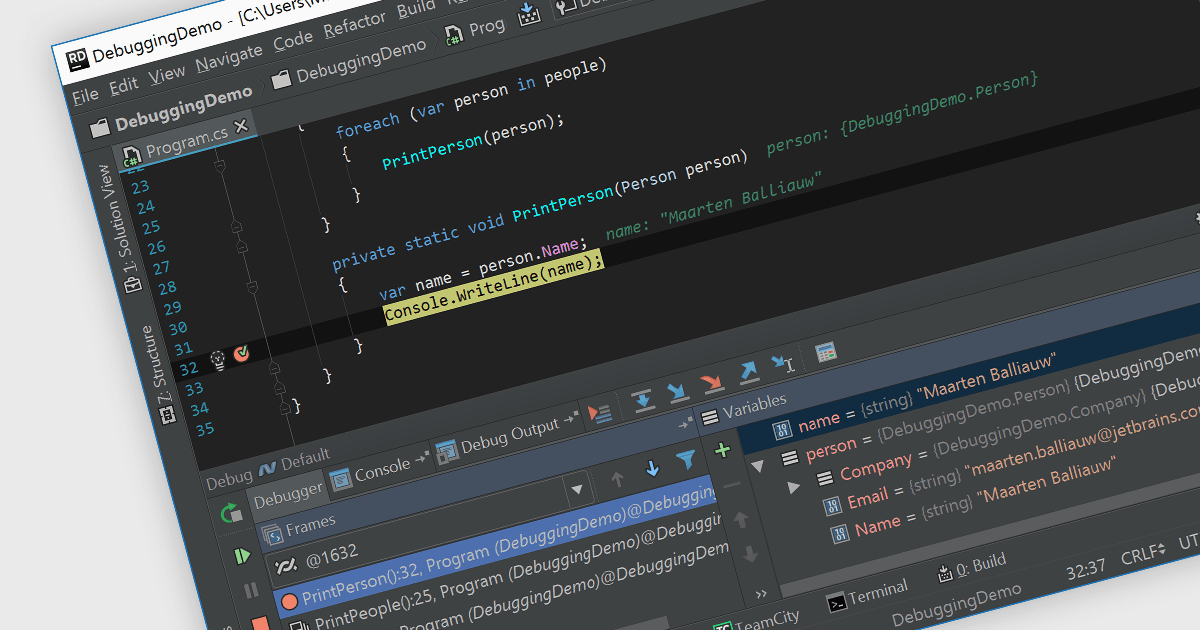
支援調試的 IDE 可説明您直接在編碼環境中識別和修復代碼中的錯誤,從而節省時間和挫敗感。

繼續用英語閱讀:

Debugging is the methodical process of identifying and rectifying errors or bugs within code. Many Integrated Development Environments (IDEs) provide a platform for debugging by allowing programmers to step through code execution line by line, examine variable values at specific points, and set breakpoints to pause execution at designated sections. This controlled environment empowers developers to easily pinpoint the cause of issues and implement fixes.

Several IDEs provide debugging including:

  • Rider by JetBrains facilitates debugging .NET, ASP.NET, and Unity projects with breakpoints, variable inspection, and call stack navigation.
  • Delphi Professional by Embarcadero allows you to debug Windows applications, web services, and FireMonkey projects with a visual debugger and memory inspection.
  • PrimalScript by SAPIEN Technologies streamlines debugging for embedded systems development, offering hardware simulation and real-time variable monitoring.
  • Microsoft Visual Studio Professional empowers developers to debug projects with a source editor debugger, data visualizations, and IntelliTrace for complex issue identification.

For an in-depth analysis of features and price, visit our IDEs comparison.

Compare IDEs