在 React 應用中輕鬆調整連續值

4月 22, 2024
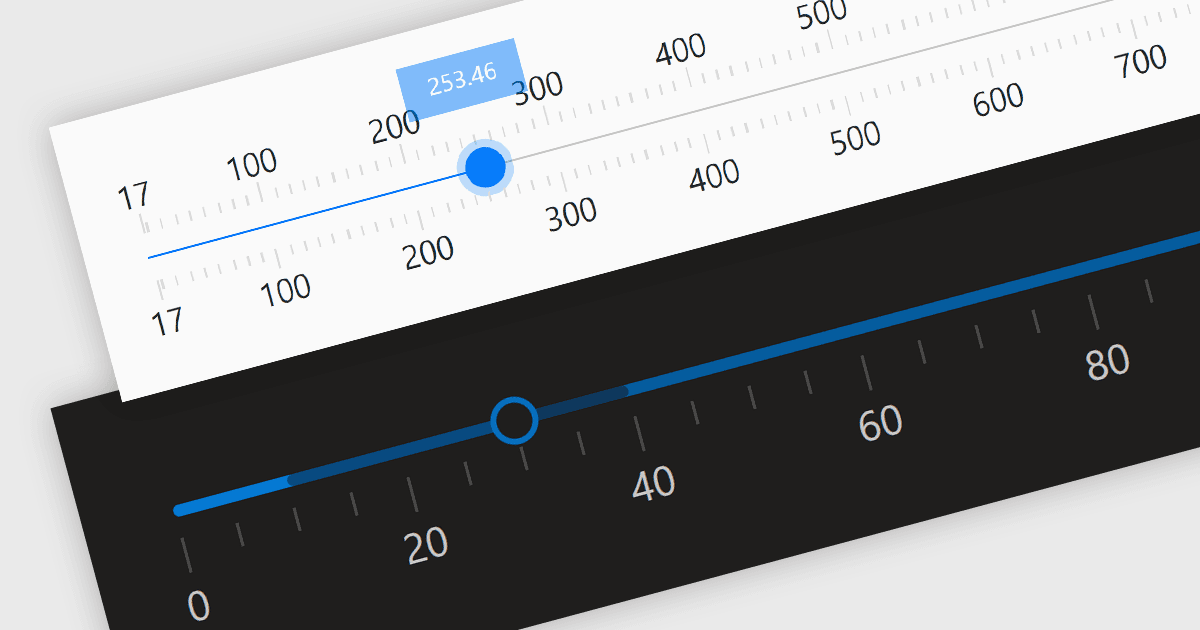
跟蹤欄/滑塊控制項為使用者在預定義範圍內輸入數位或線性資料提供了一種節省空間且直觀的方式。

繼續用英語閱讀:

Trackbar controls, also known as sliders, are user interface (UI) elements that allow users to adjust a numerical value within a defined range by moving a slider along a bar. These controls are highly valuable for settings that require a visual representation of adjustment, such as volume, brightness, or other application-specific parameters. Trackbars enhance the user experience by providing a simple and effective method to input values, which can be particularly useful for fine-tuning settings without the need for direct numerical input. Their intuitive design promotes ease of use and quick interaction, making them an excellent choice for graphical user interfaces where space is limited and precision is necessary.

Several React components offer Trackbar Data Editors including:

  • DevExtreme React Data Editors (part of DevExtreme Complete by DevExpress) empowers your applications with feature-rich sliders for intuitive input, making data entry easier.
  • KendoReact Data Editors (part of KendoReact by Telerik) elevates the user experience with a customizable slider control, giving users a tailored way to interact with your data.
  • Smart HTML Elements Data Editors (part of Smart HTML Elements) enables you to effortlessly add accessible sliders in horizontal or vertical orientations into your app.
  • Syncfusion Essential Studio for JavaScript Data Editors (part of Syncfusion Essential Studio Enterprise) provides a flexible slider control that lets users easily select a quantity.

For an in-depth analysis of features and price, visit our comparison of React Data Editors.

Compare React Data Editors