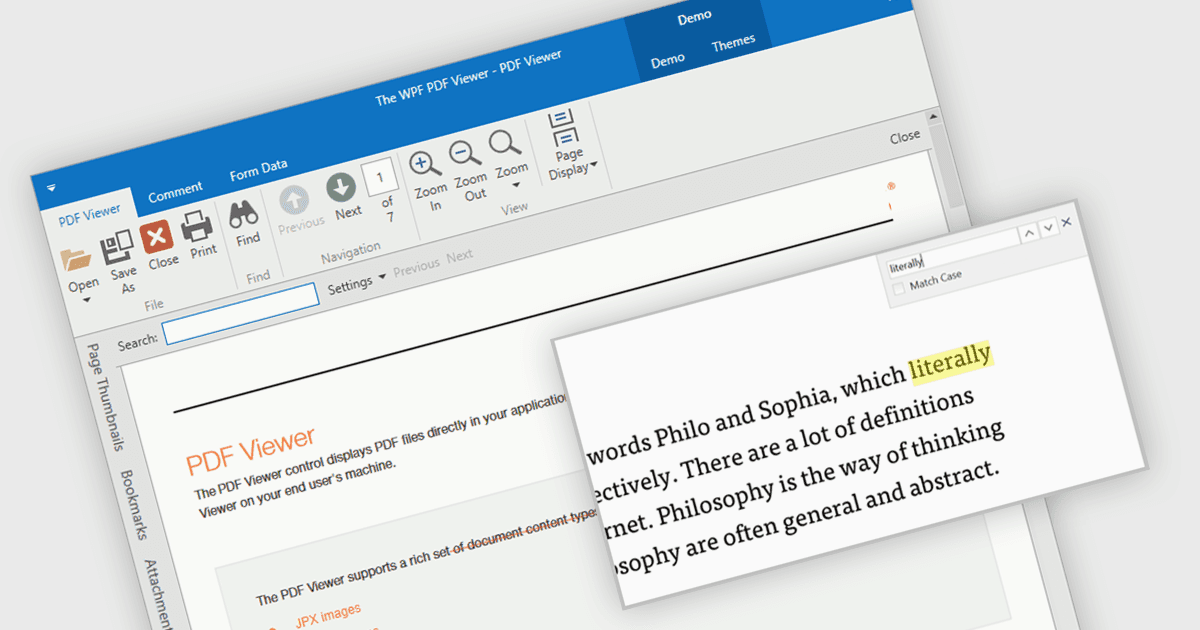
幫助使用者透过 PDF 搜尋查找資訊

5月 17, 2024
選擇支援內置搜索的 PDF 元件,以增強可訪問性、提高參與度並改善使用者體驗。

繼續用英語閱讀:

Incorporating a PDF component with search functionality into your application offers significant advantages. Users can locate specific information within complex documents with ease, streamlining their experience and enhancing productivity. This translates to a more user-friendly and efficient app, reducing frustration and allowing users to find what they need quickly, without the needing to install additional software.

Several WPF PDF Viewer controls allow you to search for text in PDF files including:

  • DevExpress WPF PDF Viewer enables in-application text search for PDFs, highlighting matches and navigating for efficient information retrieval.
  • Telerik UI PDF for WPF can effortlessly search PDFs for keywords and phrases, highlighting results for quick information retrieval.
  • PDFView4NET WPF Edition by O2 Solutions facilitates searching for text within PDF documents, offering both user-driven search bars and programmatic control for integration.
  • Syncfusion WPF PDF provides text search functionality including highlighting matches and programmatic search options.

For an in-depth analysis of features and price, visit our WPF PDF Viewer controls comparison.

Compare WPF PDF Viewer Controls