提升 Angular 試算表的可讀性
選擇支援單元格格式設定的試算表控制項,能讓你的資料更容易閱讀,促進一致性,並提升使用者體驗。
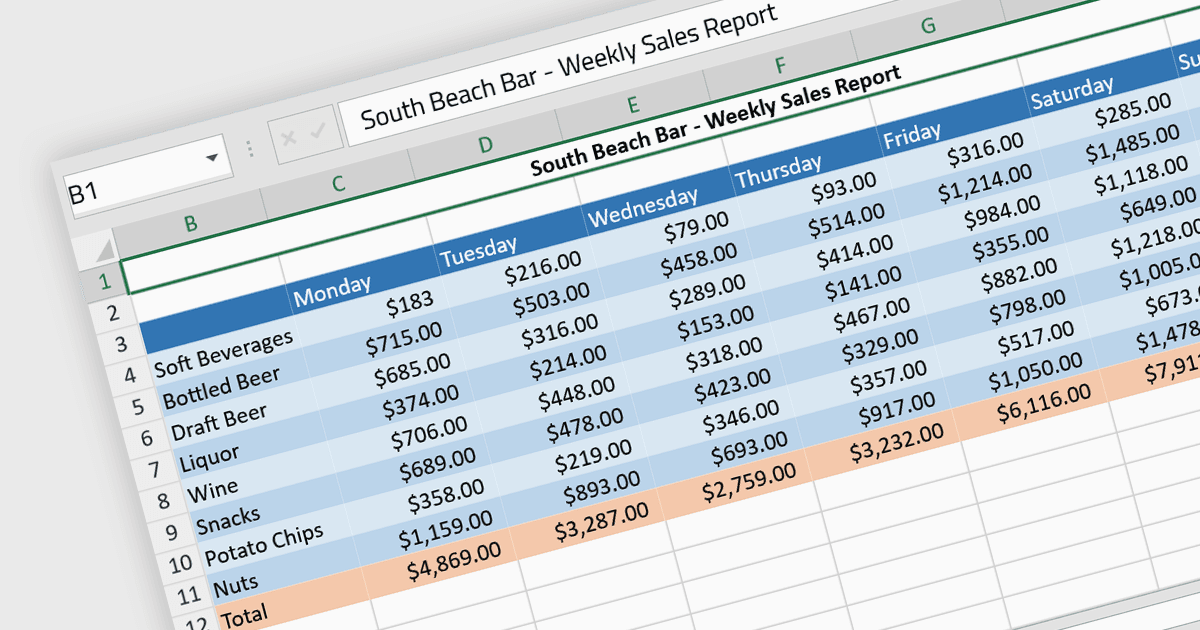
單元格格式設定可讓你自訂試算表或資料表中各個單元格的外觀與行為,以提升資料呈現的可讀性、理解度與正確性。這可能包含調整字型樣式、大小與顏色,以及加入邊框、底紋、數字或日期格式、單元格對齊等。透過單元格格式設定,使用者可以大幅提升試算表的可讀性與組織性,讓資料更容易快速理解、資訊傳達也更清晰。此外,它也有助於區分不同類型的資料、強調重要數據,並在相關文件之間維持一致性,從而降低錯誤與誤解的可能性。
多種 Angular 試算表元件支援單元格格式設定,包括:
- SpreadJS(MESCIUS 旗下)能讓任何單元格屬性進行廣泛的單元格格式設定,讓 Angular 開發人員可建立客製化試算表解決方案。
- Telerik Excel Export(Kendo UI 的一部分)可與 Angular 配合使用,並支援無縫將資料匯出到 Microsoft Excel,並提供複雜的單元格格式設定、對齊等功能。
- Jspreadsheet Pro 提供類試算表的控制項,專為 Angular 設計,並提供工具以自訂單元格外觀,包括字型、顏色與數字格式。
- Infragistics Spreadsheet Angular(Infragistics Ignite UI 的一部分)提供類 Excel 的介面,並具備單元格格式設定能力,可用於動態且一致的資料呈現。
如需深入了解功能與價格,請參閱我們的 Angular 試算表控制項比較。