讓使用者輕鬆流覽 PDF 文件

5月 31, 2024
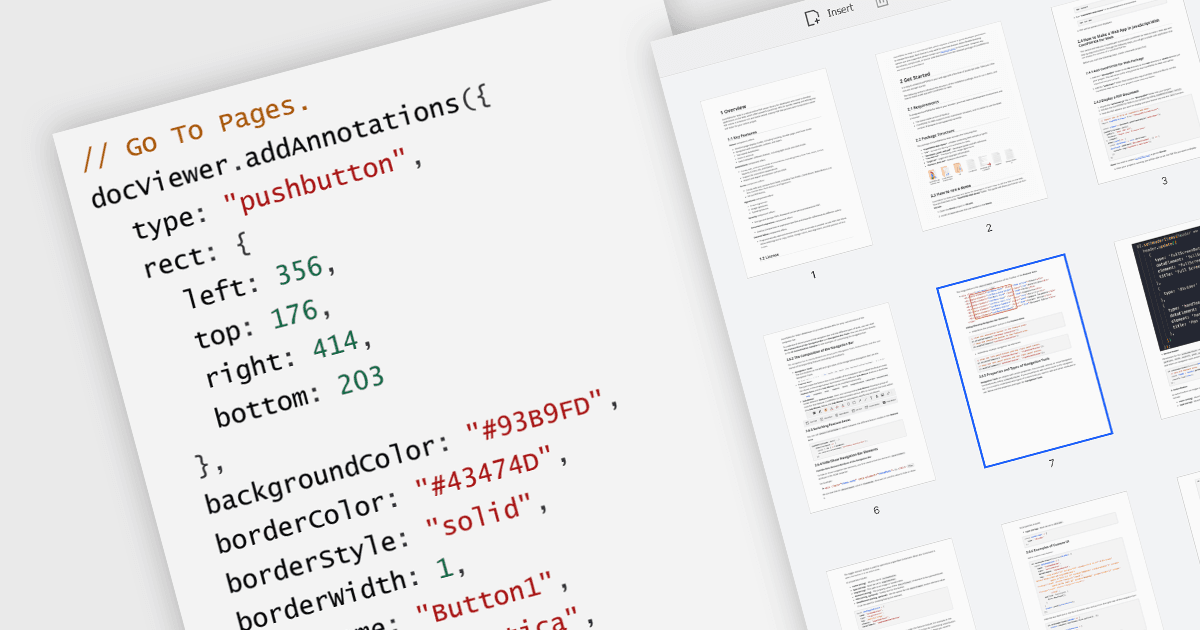
透過允許使用者跳轉到特定頁面或目標,從而提高了效率和使用者體驗,GoTo 操作增強了導航和可用性。

繼續用英語閱讀:

A GoTo action in a PDF component is a clickable link or button that directs users to a specific destination within the same PDF or even a different one. This feature enhances user experience by offering quick jumps to designated parts of the document, references, or connected information. For instance, a table of contents with GoTo actions lets readers instantly access the desired chapter by clicking on the relevant entry. Benefits of the GoTo Action include streamlined document navigation, improved content accessibility, and enhanced interactivity, making it an ideal feature for developing dynamic, user-friendly PDF applications.

Several .NET WPF PDF Components offer GoTo Action including:

  • Telerik UI PDF for WPF (part of Telerik UI for WPF) lets you create internal hyperlinks to specific PDF locations, enhancing document navigation and accessibility.
  • ImageGear.NET by Accusoft facilitates the creation of internal links in PDFs, improving user experience by enabling quick jumps to specified locations.
  • XFINIUM.PDF WPF allows you to add internal PDF links for seamless navigation to designated pages or sections within the document.
  • ComPDFKit PDF SDK for Windows supports internal PDF hyperlinks, streamlining access to targeted content and enhancing overall document interactivity.

For an in-depth analysis of features and price, visit our comparison of .NET WPF PDF Components.

Compare .NET WPF PDF Components