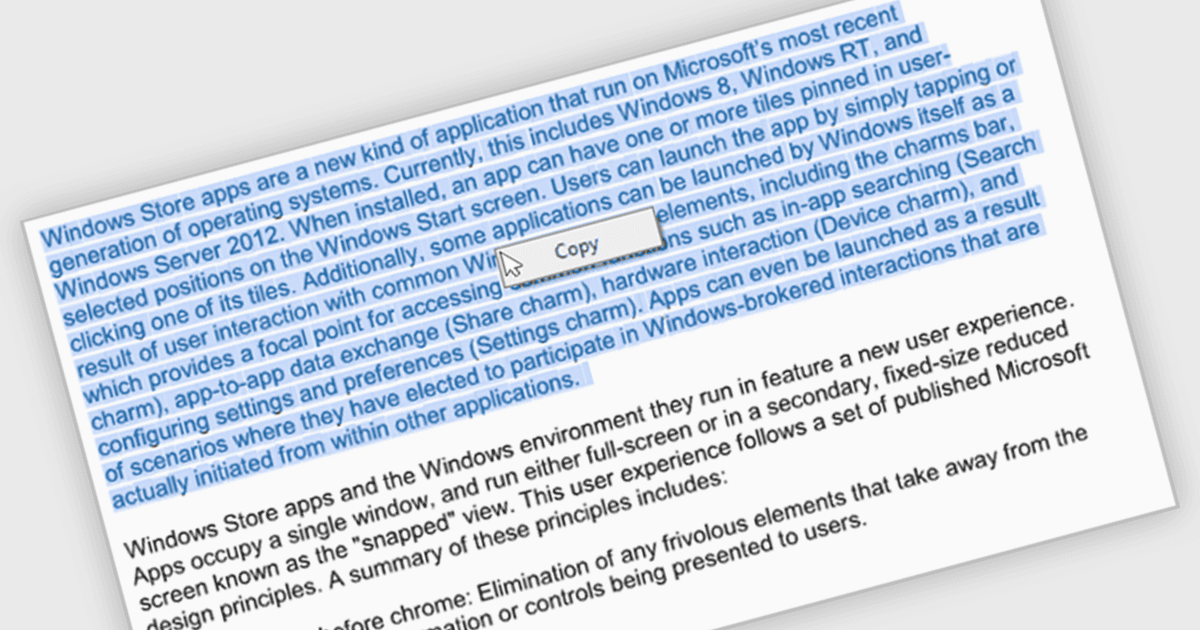
毫不費力地從 PDF 中選擇和複製文本

7月 8, 2024
透過從 PDF 中提取文本以便輕鬆粘貼到文件、電子郵件或演示文稿中,增強了使用者體驗並簡化了工作流程。

繼續用英語閱讀:

The ability to select and copy text empowers users to easily extract information from documents for pasting into other applications or sharing snippets. This not only saves time and reduces errors during data transfer but also broadens the utility of PDFs by making them more compatible with various workflows, such as research note-taking, quote extraction for proposals, or incorporating text into presentations.

Several .NET WinForms PDF viewer components include the ability to select and copy text in PDFs including:

  • DevExpress WinForms PDF Viewer (part of DevExpress WinForms) empowers developers with a rich PDF viewer component enabling seamless text selection and copying.
  • Telerik UI PDF for WinForms (part of Telerik UI for WinForms) offers a PDF viewer control featuring intuitive text selection and extraction capabilities.
  • PDFView4NET Windows Forms Edition facilitates effortless text selection and copying within its PDF document viewer.
  • Syncfusion Windows Forms PDF (part of Syncfusion Essential Studio Enterprise) provides a robust PDF viewer component that allows users to conveniently select and copy text.

For an in-depth analysis of features and price, visit our .NET WinForms PDF viewer components comparison.

Compare .NET WinForms PDF Viewer Components.