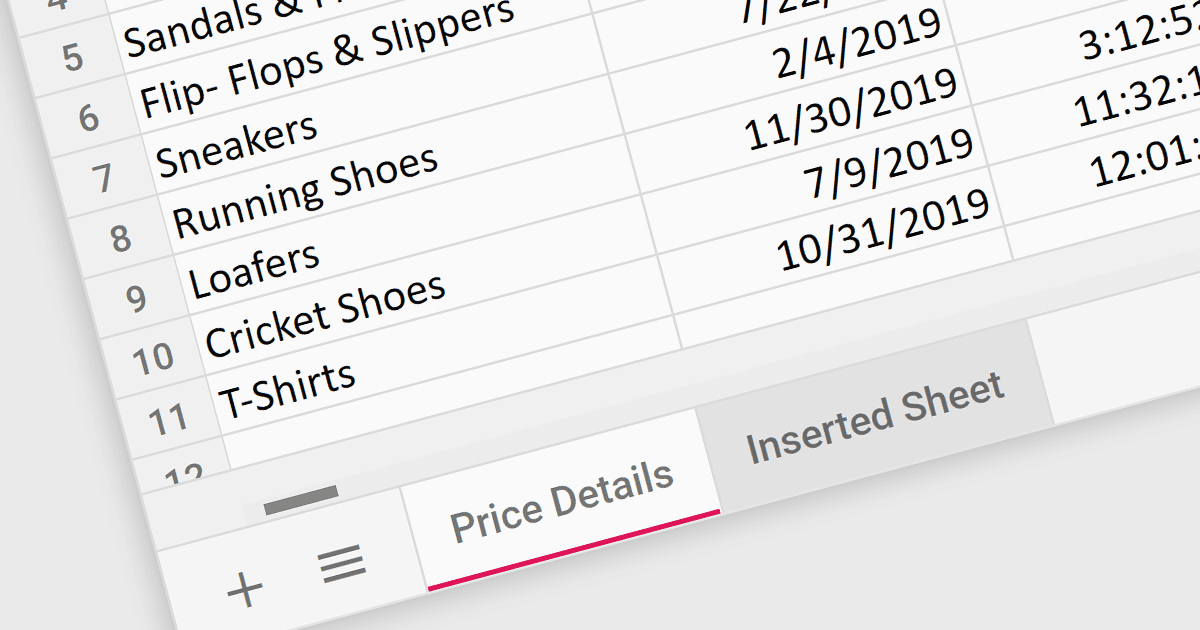
讓使用者在工作表之間輕鬆切換

7月 8, 2024
選項卡允許試算表使用者在資料集之間快速移動,從而在多個資料部分之間提供清晰的視覺區分。

繼續用英語閱讀:

Worksheet tabs act as a visual and interactive index, enabling users to seamlessly navigate between distinct sections within a single workbook. This efficient organization facilitates data comparison and analysis. The clear visual distinction between tabs reduces cognitive load and enhances comprehension, making it easier for users to grasp the overall structure and navigate the information within the workbook.

Several React Spreadsheet controls offer support for tabs including:

  • Telerik Spreadsheet React (part of KendoReact) enables users to effortlessly navigate between spreadsheets through designated tabs.
  • SpreadJS by MESCIUS empowers developers with tabbed navigation for efficient data organization within their React applications.
  • Infragistics Spreadsheet React enables users to effortlessly navigate between spreadsheets through designated tabs.
  • Syncfusion Spreadsheet JavaScript provides tab-based navigation for a familiar and user-friendly experience when working with multiple sheets.

For an in-depth analysis of features and price, visit our React Spreadsheet controls comparison.

Compare React Spreadsheet Controls