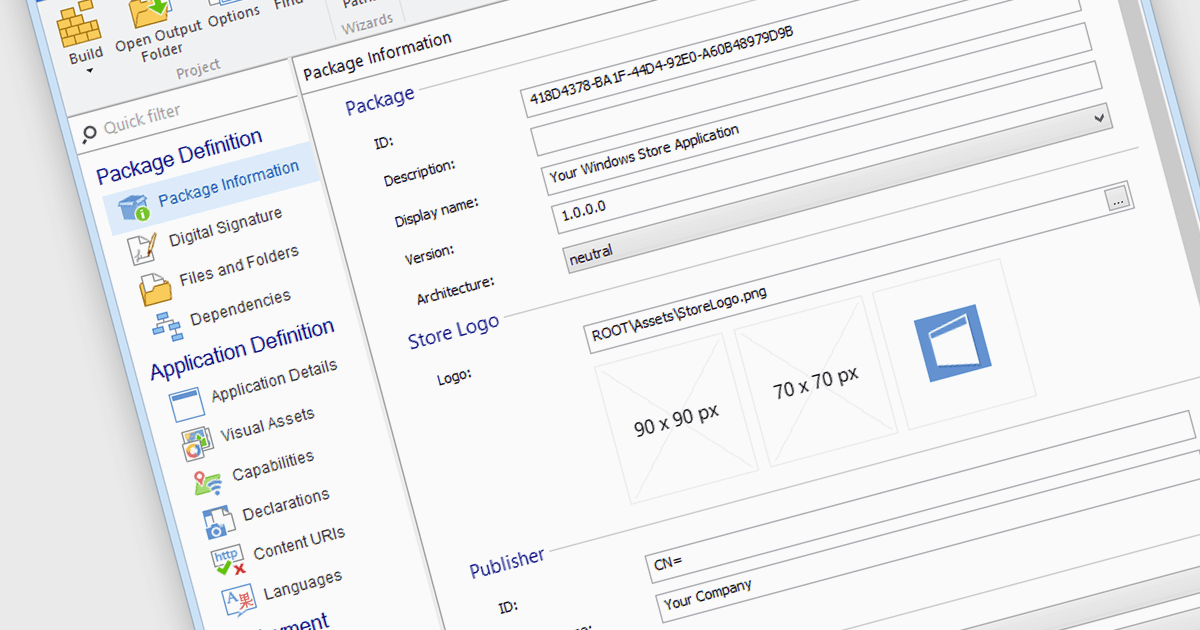
將您的應用打包以在 Microsoft Store 上部署

7月 16, 2024
利用安裝工具,開發人員可以將應用程式打包為 MSIX/APPX,以便簡化部署到 Microsoft Store 的過程。

繼續用英語閱讀:

Microsoft Store Apps, also known as Universal Windows Platform (UWP) apps, use a special development framework to enable distribution via the Microsoft Store (formerly known as the Windows Store). This simplifies the installation procedure for end users, eliminates the need for manual setup scripts, and ensures compatibility with a variety of Windows devices. Software developers who use the UWP strategy benefit from a centralized distribution channel, simpler deployment, and a larger potential audience. Using installation tools to package your programs as MSIX or APPX files makes it easier to submit compliant applications to the Microsoft Store.

Several Installation Tools offer packaging for Microsoft Store Apps including:

  • Advanced Installer by Caphyon lets you deploy applications to the Microsoft Store efficiently, simplifying the packaging and submission processes for developers.
  • RayPack Studio by Raynet allows you to convert installers into MSIX or APPX packages, supporting Microsoft Store requirements and efficient application distribution.
  • InstallShield by Revenera enables deployment of your applications to the Microsoft Store, streamlining the entire packaging and certification workflow.
  • AdminStudio by Flexera lets you repackage applications into MSIX or APPX formats, meet Microsoft Store standards with testing and compatibility insights.

For an in-depth analysis of features and price, visit our comparison of Installation Tools.

Compare Installation Tools