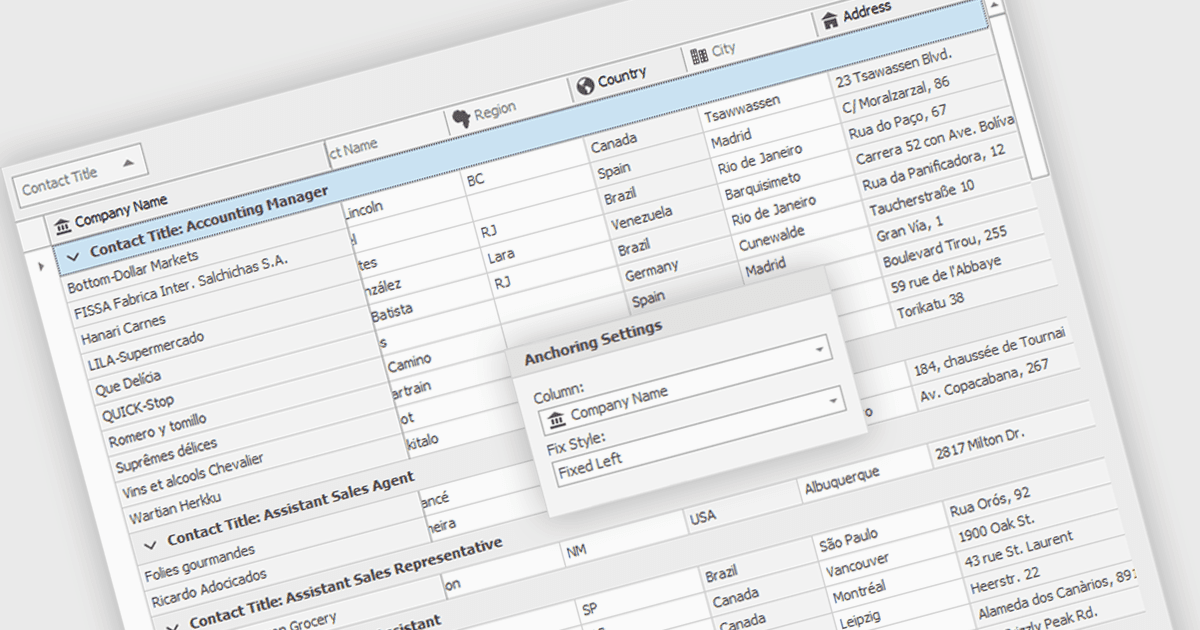
凍結列以增強資料網格的可讀性

7月 22, 2024
為使用者提供 WinForms 可鎖定視圖中重要資料的網格,從而簡化複雜的資料分析,讓導航更加輕鬆。

繼續用英語閱讀:

Freezing columns allows specific grid columns to remain visible on the screen while the user scrolls horizontally across the rest of the data. This functionality is beneficial for software developers because it improves user experience by ensuring important reference information, like row identifiers or column headers, stays constantly in view regardless of the data set's width. This can significantly aid in data comprehension and navigation for users working with large datasets.

Several WinForms grid components allow you to freeze columns, including:

  • DevExpress WinForms Data Grid (part of DevExpress WinForms) provides developers with robust column freezing for clear data context during horizontal scrolling.
  • FlexGrid for WinForms (part of ComponentOne Studio WinForms by MESCIUS) offers column locking to keep essential data in view while navigating wide datasets.
  • Telerik UI for WinForms GridView (part of Telerik UI for WinForms) includes column freezing functionality, boosting data comprehension when scrolling horizontally.
  • Infragistics WinDataGrid (part of Infragistics Ultimate UI for Windows Forms) enhances UX with column pinning, ensuring reference columns remain visible at all times.

For an in-depth analysis of features and price, visit our WinForms grid components comparison.

Compare WinForms Grid Components