用即時資料操作自訂報表

9月 25, 2024
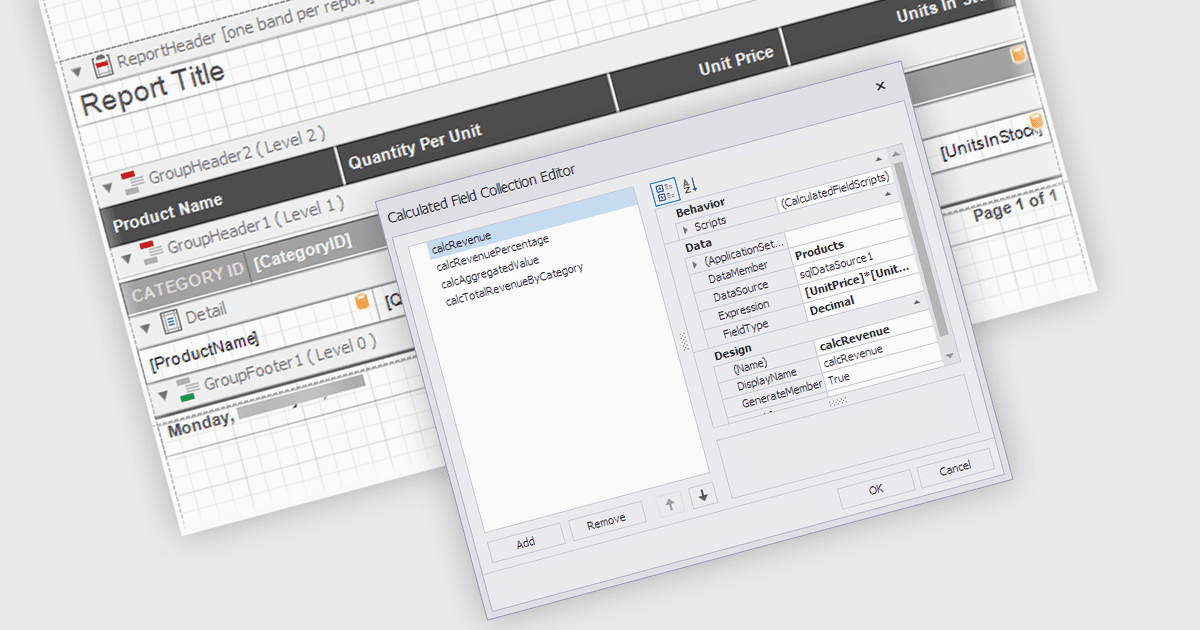
具有計算欄位功能的 .NET WPF 報表控制項可在不修改原始資料集的情況下實現更動態和更深入的報表。

繼續用英語閱讀:

Calculated Fields in .NET WPF Reporting controls enable developers to dynamically compute values based on data from the report's dataset. These fields are not part of the original data source but are created by applying expressions, functions, or formulas to existing data. By leveraging calculated fields, developers can customize reports with real-time data manipulation, allowing for more sophisticated analysis and presentation without altering the underlying data model. The key benefits include reducing the need for external data processing, improving performance by handling computations within the report, and offering more flexibility in how data is displayed and interpreted.

Several .NET WPF reporting controls offer calculated field functionality including:

  • DevExpress Reports allows you to seamlessly design cross-platform reports with calculated fields for precise data transformation and aggregation.
  • ActiveReports .NET by MESCIUS lets you create dynamic, custom reports by integrating powerful calculated fields, enhancing data presentation and analysis.
  • Telerik Reporting facilitates detailed report customization utilizing calculated fields to compute complex expressions and enhance data-driven reports.
  • TX Text Control .NET for WPF Enterprise by Text Control integrates calculated fields, providing dynamic data computations within formatted, WPF-based reporting documents.
  • List & Label Enterprise Reporting Edition by combit enables advanced reporting with customizable calculated fields, empowering users to derive insights from complex data.

For an in-depth analysis of features and price, visit our comparison of .NET WPF Reporting controls.

Compare .NET WPF reporting controls