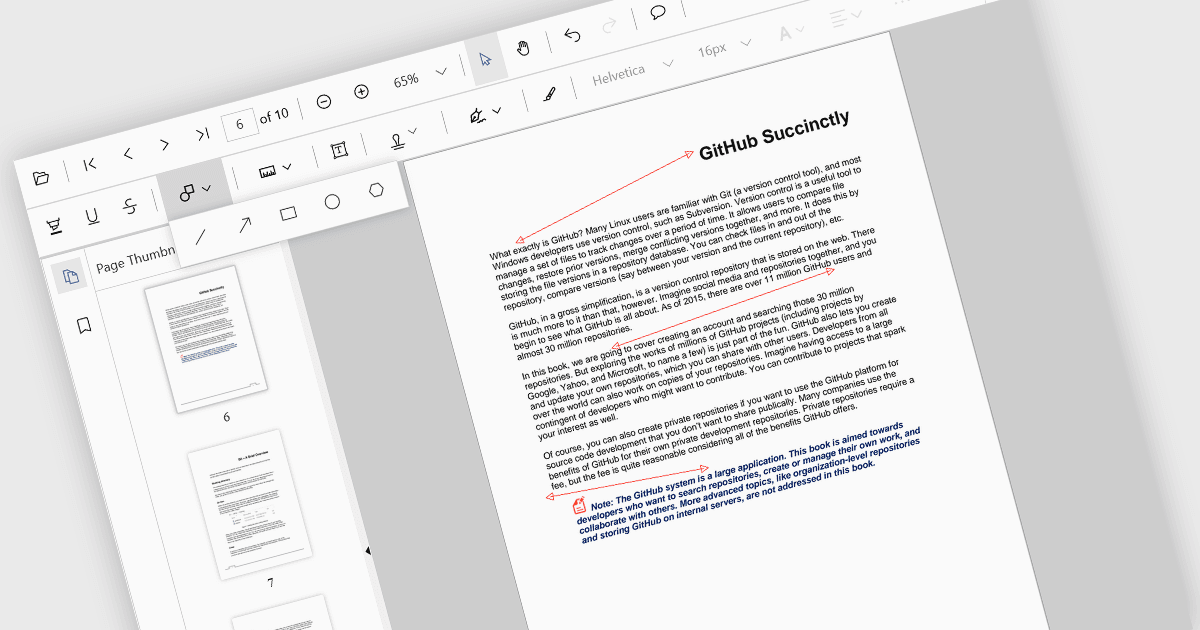
用箭頭批註視覺化連接

10月 4, 2024
箭頭批註讓使用者能夠突出顯示 PDF 內容中的連接,從而更豐富地理解資訊。

繼續用英語閱讀:

Arrow annotations are digital markings that allow users to visually indicate connections, relationships, or directions within a PDF document. They can be used to highlight specific sections, point out important details, or illustrate sequences of events. This feature is particularly valuable for collaborative work, as it enables multiple individuals to annotate the same document and share their insights effectively.

Several React PDF viewer controls offer support for arrow annotations including:

  • Document Solutions for PDF by MESCIUS lets you create and edit PDFs with advanced annotation features, including arrows.
  • PrizmDoc Viewer by Accusoft allows users to collaborate on PDFs by adding and sharing arrow annotations.
  • Syncfusion PDF Viewer facilitates efficient document review and analysis through its support for various annotation types, including arrows.

For an in-depth analysis of features and price, visit our React PDF viewer controls comparison.

Compare React PDF Viewer Controls