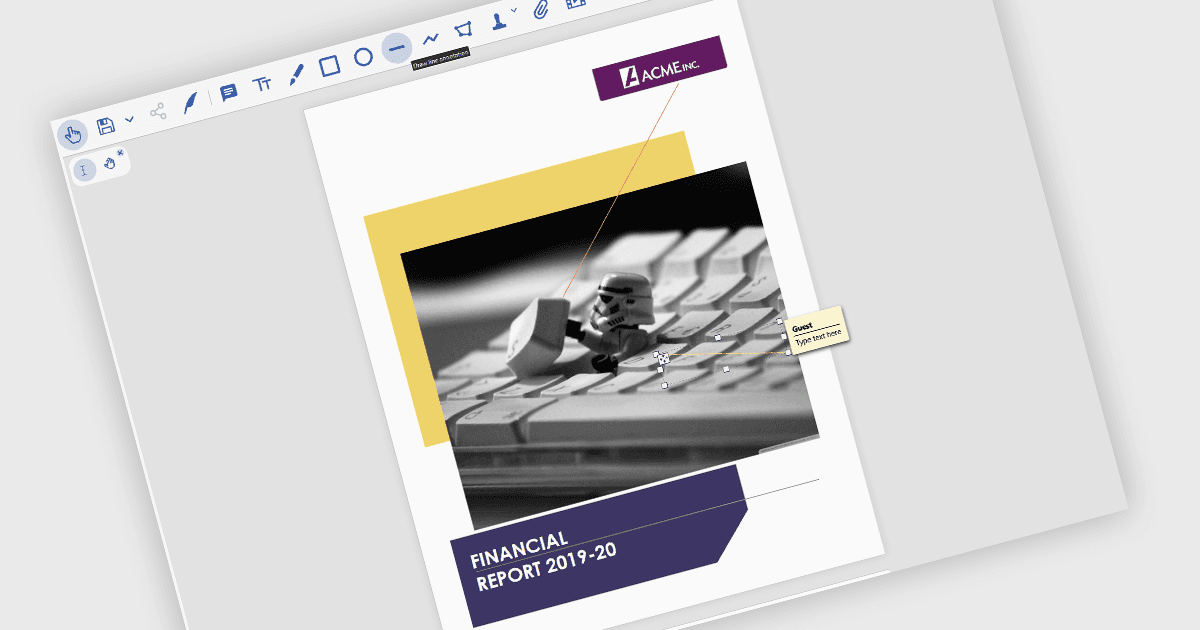
直觀地連結 PDF 文件中的相關資訊

10月 24, 2024
線條批註讓使用者能夠在 PDF 內容中顯示連接,從而更容易理解和緊跟創意趨勢。

繼續用英語閱讀:

Line annotations are digital markings that allow users to draw straight lines on documents. These lines can be used for various purposes, such as connecting related information, highlighting specific sections, or adding visual cues for reference. They are particularly useful for tasks that require comparison, measurement, or the creation of diagrams or flowcharts directly within the PDF.

Several React PDF viewer controls offer support for line annotations including:

  • Document Solutions for PDF by MESCIUS lets you draw and customize line annotations for precise highlighting.
  • PrizmDoc Viewer by Accusoft allows you to add and edit line annotations with various styles and thicknesses.
  • Syncfusion PDF Viewer (part of Syncfusion Essential Studio Enterprise) facilitates the creation of line annotations with adjustable colors and opacities.

For an in-depth analysis of features and price, visit our React PDF viewer controls comparison.

Compare React PDF Viewer Controls