用互動式子彈圖跟蹤資料見解

10月 30, 2024
用可提供即時見解並推動更明智決策的回應式 React 子彈圖輕鬆監控性能目標。

繼續用英語閱讀:

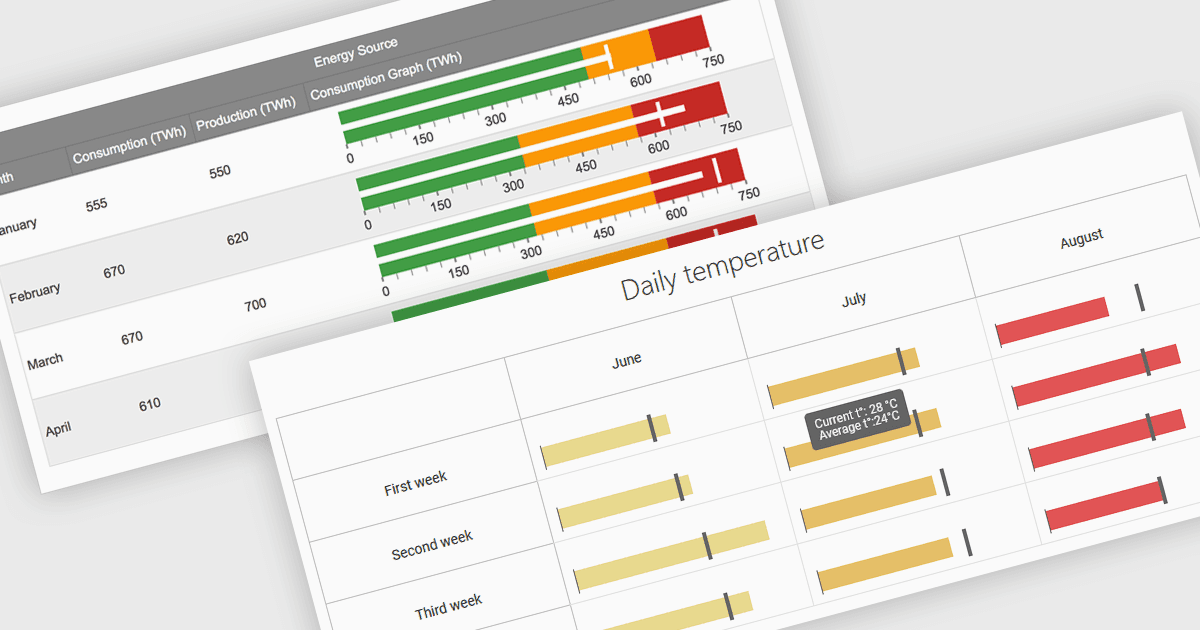
Bullet charts are efficient data visualization tools designed to display performance metrics against a target within a single, streamlined bar. Ideal for compact spaces on dashboards, bullet charts convey a KPI's current status, target, and performance range in a minimalist view, making them perfect for summarizing key data points without overwhelming the interface. They are highly customizable, supporting varied colors, labels, and thresholds, and their component-based structure in React allows developers to implement real-time updates, enabling users to monitor changing data continuously. These charts promote a responsive, interactive experience, providing powerful options for building detailed, data-rich applications.

Several React chart controls offer bullet chart support including:

  • DevExtreme Chart (part of DevExtreme by DevExpress) enables integration of bullet charts, providing developers with compact visualizations for tracking performance metrics.
  • Ignite UI for React Chart (part of Infragistics Ignite UI) delivers interactive bullet charts optimized for real-time updates, allowing responsive KPI tracking across devices.
  • AnyChart JS offers flexible, highly customizable bullet charts that simplify displaying key metrics, providing a straightforward way to compare target and actual values.
  • Highcharts Core facilitates the creation of dynamic bullet charts with advanced styling options, perfect for analytics and real-time monitoring.

For an in-depth analysis of features and price, visit our React bullet chart controls comparison.

Compare React Bullet Chart Controls