用儲存格合併簡化資料表示

11月 1, 2024
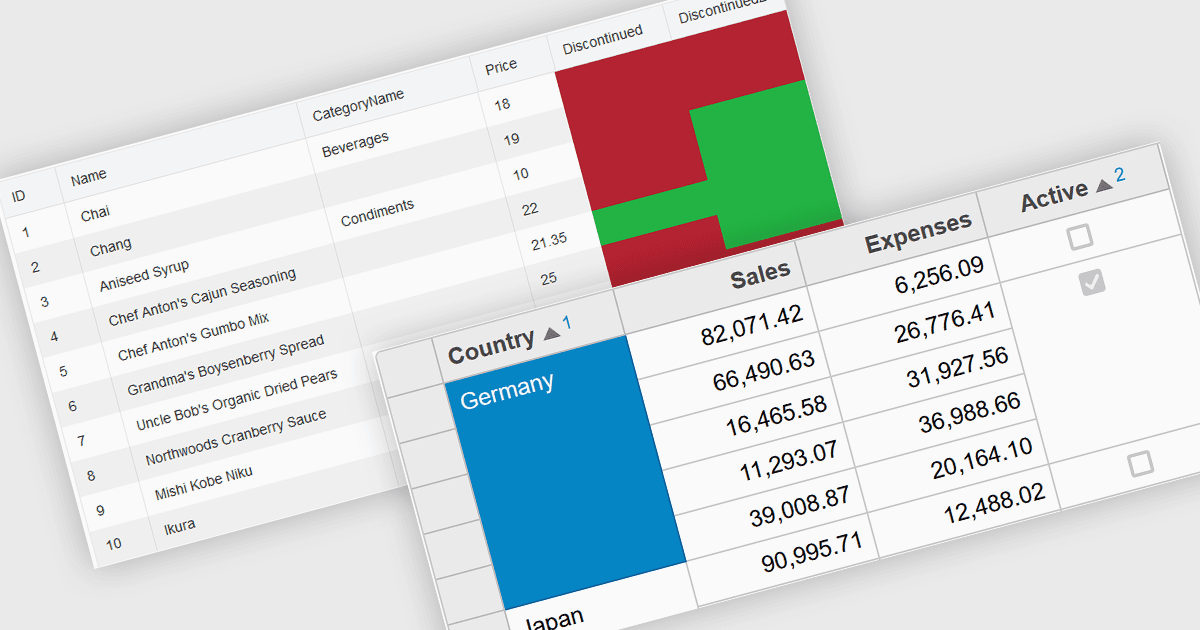
透過合併儲存格創建更清晰、更有序的自訂網格,從而使資料更易於導航並改善了使用者體驗。

繼續用英語閱讀:

Cell merging in a grid allows developers to combine adjacent cells, creating a single, unified cell that spans multiple rows or columns. This feature enhances readability by allowing headers or labels to encompass related data fields, reducing redundancy and making complex data layouts more visually coherent. It enables efficient organization, supporting custom layouts that align with specific reporting needs and enhancing the grid's overall aesthetic. Cell merging helps streamline the user experience by condensing information into easily digestible sections, enabling users to focus on key insights without distraction.

Several React grid controls offer cell merge support including:

  • KendoReact Data Grid (part of KendoReact by Telerik) supports cell merging, enhancing readability and enabling customized data layouts.
  • Wijmo FlexGrid (part of Wijmo by MESCIUS) facilitates cell merging, enabling flexible, cleanly formatted grid layouts that improve data clarity and visual organization.
  • Jspreadsheet Pro Data Grid lets you merge cells, simplifying data views and delivering a streamlined experience for users handling complex datasets.
  • Syncfusion Grid Control for JavaScript (part of Syncfusion Essential Studio Enterprise) lets you merge cells for intuitive, organized, data presentations.

For an in-depth analysis of features and price, visit our React grid controls comparison.

Compare Merge Cell Grid Controls