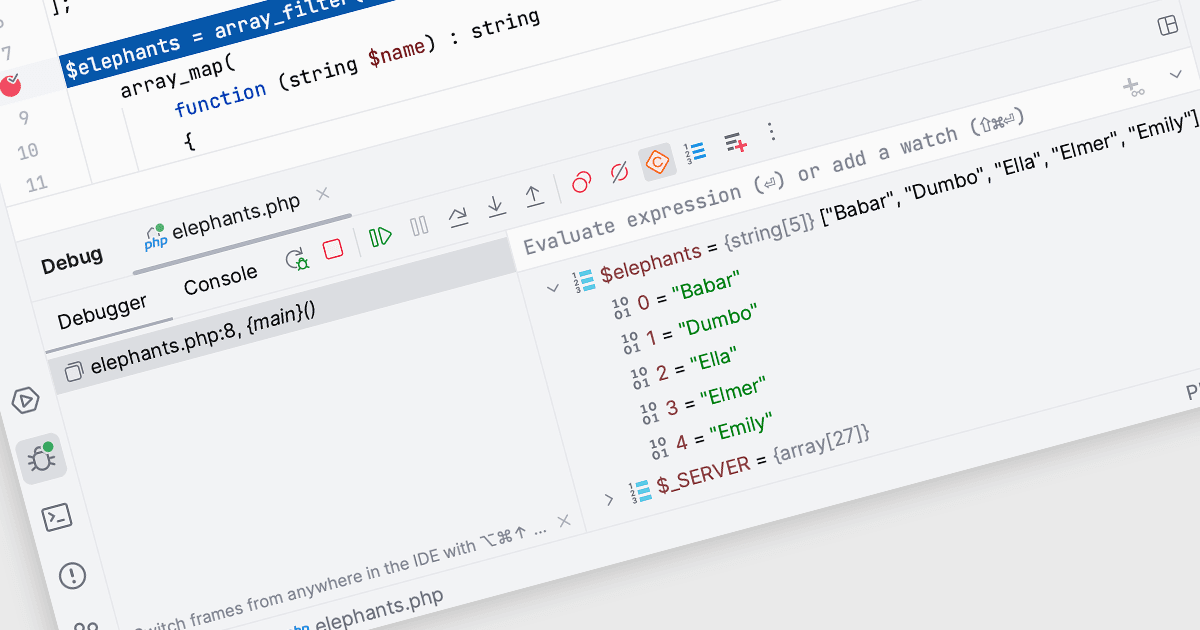
用監控簡化調試過程

11月 15, 2024
在調試期間提供監視的 IDE 減少了重複代碼運行和手動檢查的需要,從而更容易快速解決問題。

繼續用英語閱讀:

In Integrated Development Environments (IDEs), watches within the debugging tool allow developers to monitor and evaluate specific variables or expressions as a program runs or pauses at a breakpoint. By adding a watch, developers can observe how the value of a variable changes over time or track the result of an expression, which aids in understanding program behavior and identifying potential issues. This facilitates deeper insight during the debugging process, enabling efficient problem diagnosis and the validation of logic within the code without needing to add additional print statements or modify the source code.

Several Integrated Development Environments (IDEs) offer watches functionality including:

  • PhpStorm by JetBrains lets you monitor variable values dynamically during debugging sessions, making it easier to detect and fix code issues.
  • EiffelStudio by Eiffel Software provides comprehensive watch capabilities for real-time inspection of variables, helping developers track data flow and state changes.
  • B4i (iOS) by Anywhere Software facilitates the addition of watches to observe variable transformations, enhancing debugging efficiency in iOS development projects.
  • RemObjects Elements allows you to set watches and track expressions across multiple platforms, streamlining the debugging process in complex, multi-language applications.

For an in-depth analysis of features and price, visit our comparison of Integrated Development Environments (IDEs).

Compare Integrated Development Environments (IDEs)