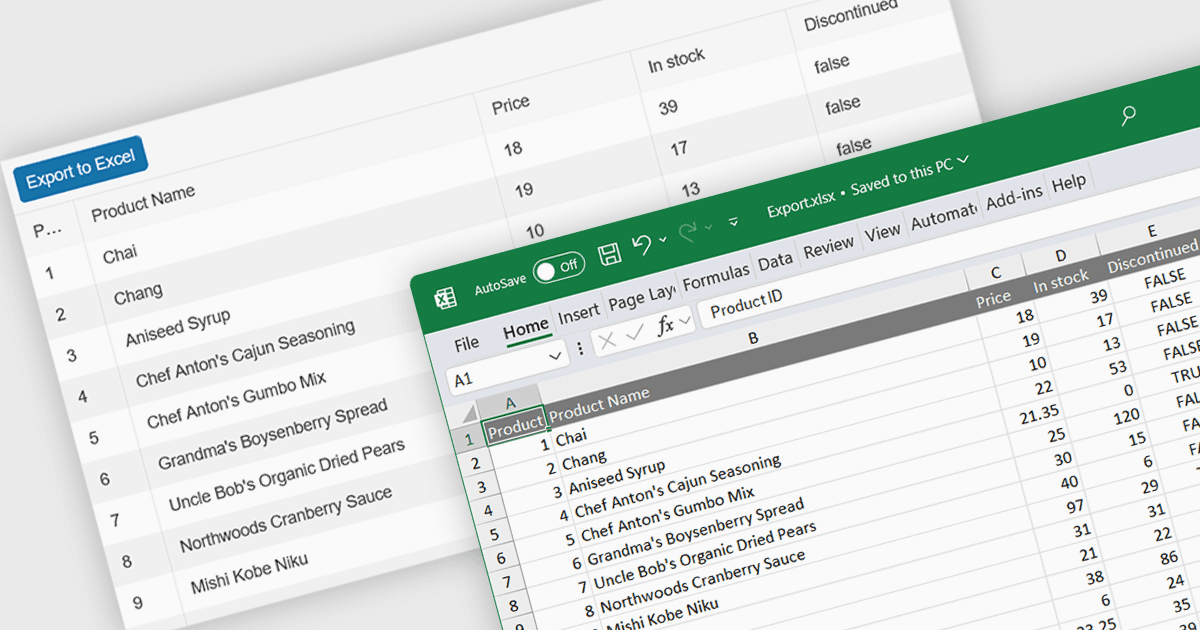
用 XLSX 匯出簡化了資料共用

12月 3, 2024
將試算表資料轉換為廣泛支援的 Microsoft Excel 檔案格式,從而確保跨各種平臺的相容性和易用性

繼續用英語閱讀:

Spreadsheet component with XLSX export functionality allow users to output spreadsheet data into the industry standard Excel-compatible format. This feature is especially useful for applications where data needs to be analyzed, shared, or integrated into external workflows. By enabling XLSX export, users can download structured data directly from the web application in a format widely supported across platforms and software. The benefits of this functionality include maintaining data accuracy, preserving formatting, and supporting large datasets with advanced features like formulas, filters, and charts. Use cases for XLSX export range from financial dashboards and inventory management systems to data analytics platforms and collaborative tools, offering users the flexibility to work offline or share data in a familiar format.

Several React spreadsheet components offer XLSX export, including:

  • Telerik Spreadsheet React (part of KendoReact) lets you effortlessly export your spreadsheet data to XLSX format, ensuring seamless integration with Excel.
  • SpreadJS by MESCIUS allows you to output spreadsheet to XLSX format, enabling flexible data sharing and analysis across various platforms and tools.
  • Syncfusion Spreadsheet JavaScript (part of Syncfusion Essential Studio Enterprise) offers XLSX export, providing a convenient way to share data.

For an in-depth analysis of features and price, visit our React spreadsheet controls comparison.

Compare React Spreadsheet Controls