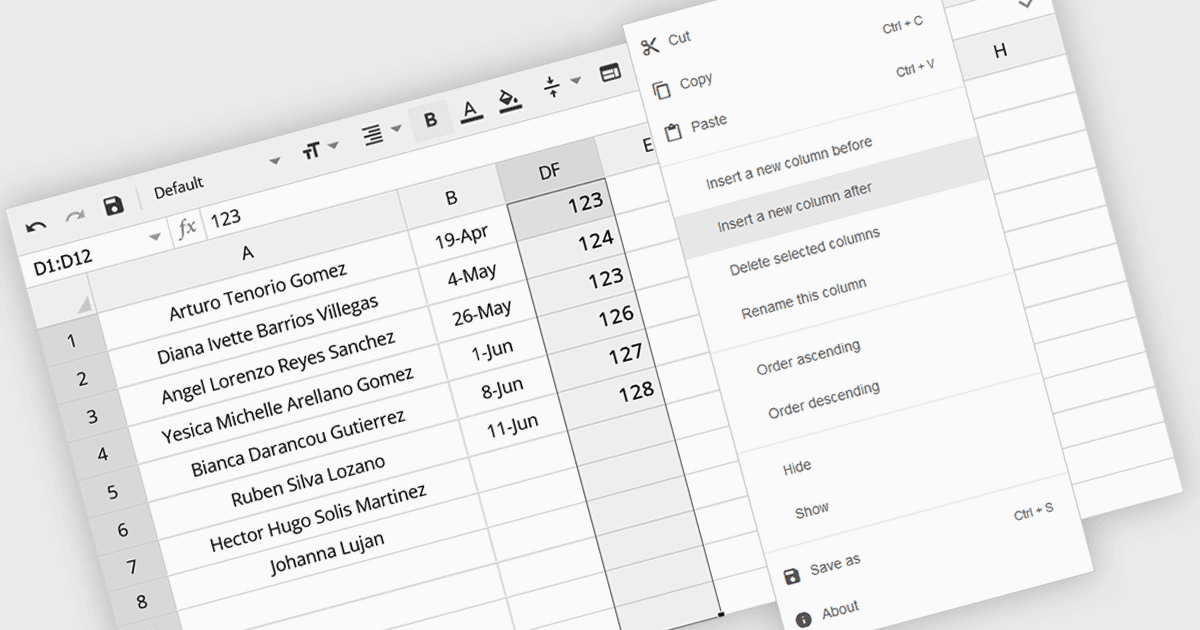
按需無縫插入試算表列

2月 11, 2025
讓使用者能夠即時添加列,從而將靜態試算表轉換為適應不斷變化的資料需求的動態工具。

繼續用英語閱讀:

The option to insert columns in a spreadsheet gives users the flexibility to expand or reorganize their data as needed. This functionality allows for seamless adjustments, making it easier to add new data fields or restructure existing information. By enabling column insertion, users can customize their data views for more effective analysis and manipulation. This not only enhances productivity but also delivers a more responsive and adaptable interface that evolves with their data requirements, improving the overall user experience.

Several Angular spreadsheet controls offer the ability to insert columns including:

  • SpreadJS by MESCIUS empowers users to dynamically insert columns, enhancing data visualization and manipulation within their Angular applications.
  • Jspreadsheet Pro facilitates seamless column insertion, enabling flexible data organization and adaptation to evolving needs in Angular spreadsheets.
  • Syncfusion Spreadsheet JavaScript (part of Syncfusion Essential Studio Enterprise) allows dynamic column insertion, providing a robust solution for building interactive apps.

For an in-depth analysis of features and price, visit our Angular spreadsheet controls comparison.

Compare Angular Spreadsheet Controls