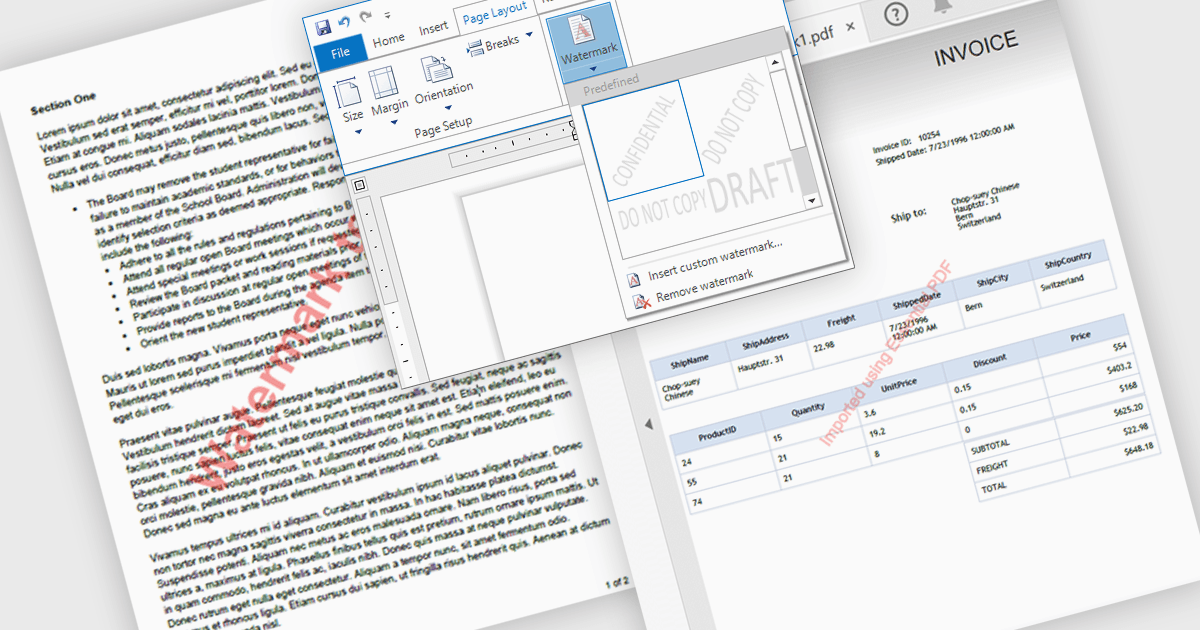
用浮水印提高 PDF 安全性和品牌形象

3月 25, 2025
輕鬆將可自訂的浮水印添加到 PDF 以增強文件安全性、保護智慧財產權並加強品牌形象。

繼續用英語閱讀:

Watermarks in PDFs are semi-transparent text or image overlays that serve as a security and branding tool by marking documents with identifying information. They help protect intellectual property, prevent unauthorized distribution, and reinforce authenticity by displaying ownership, confidentiality, or document status (e.g., "Draft," "Confidential," or "Approved"). Watermarking also enhances professionalism by incorporating company logos or copyright notices. Common use cases include securing legal contracts, corporate reports, research papers, and sensitive business documents to ensure proper handling and compliance. By integrating customizable watermarking, organizations can maintain control over their digital documents while preserving readability and usability.

Several .NET WPF PDF components allow you to add watermarks, including:

  • Syncfusion WPF PDF (part of Syncfusion Essential Studio Enterprise) lets you add customizable watermarks to PDFs, enhancing security, branding, and document control.
  • Telerik UI PDF for WPF (part of Telerik UI for WPF) enables dynamic watermarking in PDFs, ensuring confidentiality, copyright protection, and professional branding.
  • IronPDF for .NET by Iron Software facilitates advanced PDF watermarking, allowing developers to overlay text or images for security and authenticity in .NET projects.

For an in-depth analysis of features and price, visit our comparison of .NET WPF PDF components.

Compare .NET WPF PDF Components