在 WPF 應用程式中複製和粘貼網格資料

3月 28, 2025
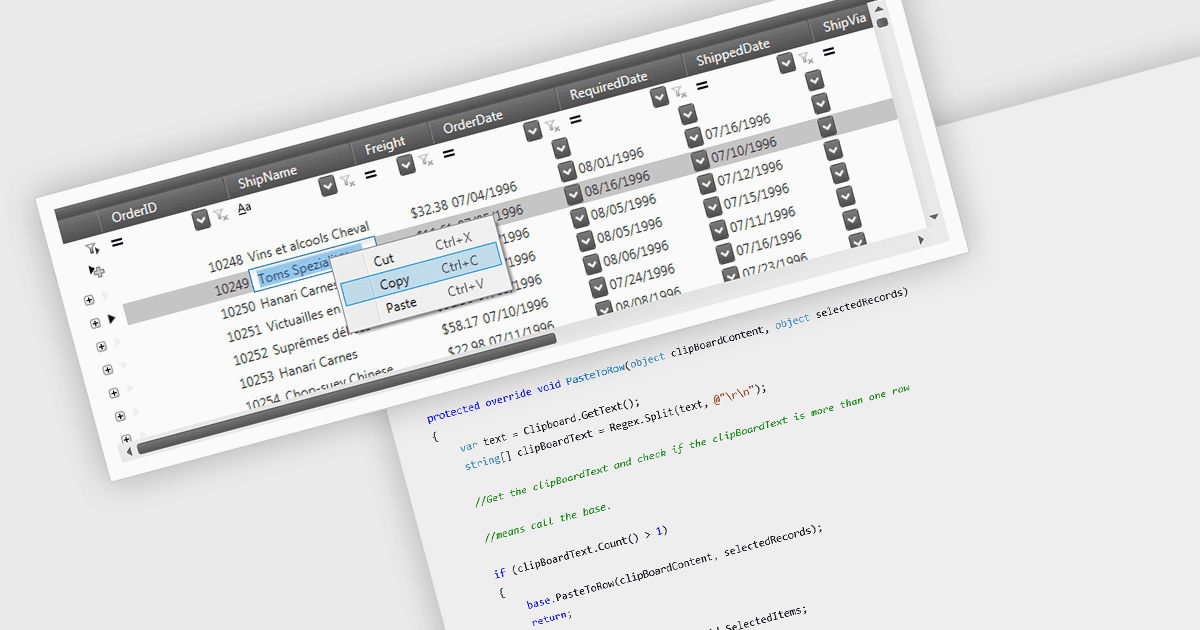
授予使用者在針對 .NET 9 的 WPF 應用程式中使用資料網格時執行內部和外部剪貼板作的功能。

繼續用英語閱讀:

The ability to perform clipboard operations enables users to copy and paste data between the grid and external applications or within different parts of the same grid. This functionality allows users to select one or multiple cells, rows, or columns, copy their content to the system clipboard, and then paste it elsewhere. It supports efficient data manipulation by reducing manual entry, enabling quick data migration, and streamlining the transfer of structured information. Clipboard operations save time in repetitive data handling tasks, ensuring that the movement of grid data is both fast and reliable.

Several .NET 9 WPF grid components support clipboard operations, including:

  • DevExpress WPF Data Grid (part of DevExpress WPF) supports .NET 9 and allows you to copy and paste multi-cell selections with formatting and data validation intact.
  • FlexGrid for WPF (part of ComponentOne Studio WPF by MESCIUS) lets you copy data from cells to and from external sources and within the data grid in .NET 9 applications.
  • Telerik UI for WPF GridView (part of Telerik UI for WPF) facilitates clipboard operations with bulk copy-paste functionality, preserving hierarchies and formats during transfers.
  • Infragistics XamDataGrid for WPF (part of Infragistics Ultimate UI for WPF) supports .NET 9 and clipboard interactions for efficient data transfer in grid applications.

For an in-depth analysis of features and price, visit our comparison of .NET 9 WPF grid components.

Compare .NET 9 WPF Grid Components