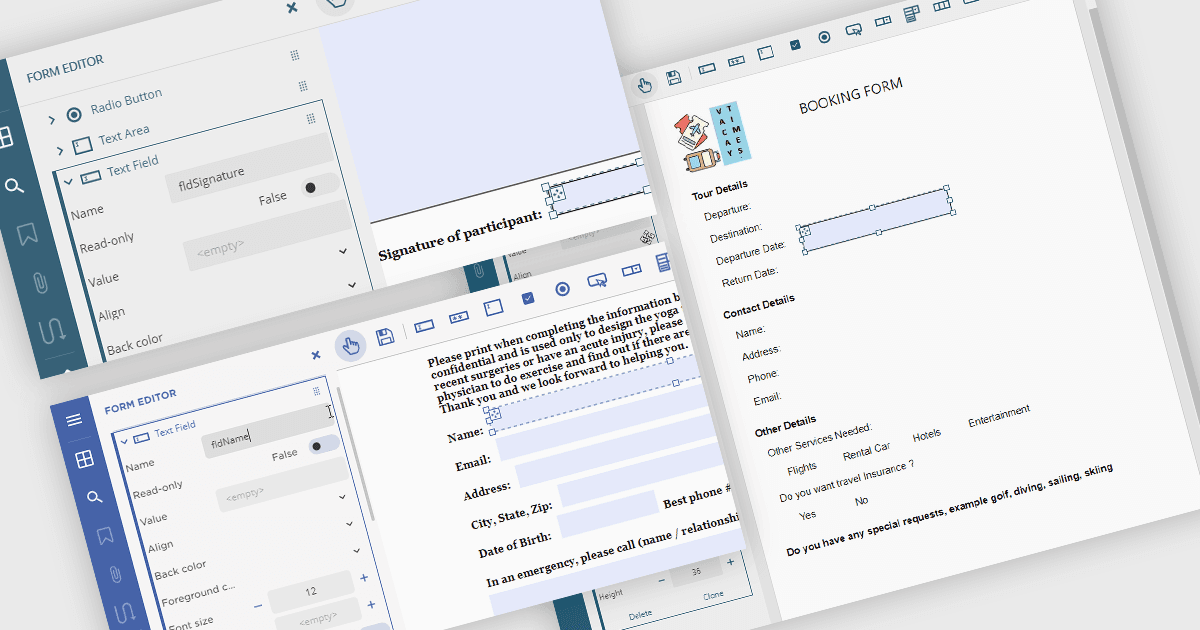
使用可填寫的 PDF 表單簡化資料收集

4月 14, 2025
設計帶有互動式元素的格式一致的 PDF 表單,從而在確保專業演示的同時改進資料收集。

繼續用英語閱讀:

Creating PDF forms involves designing interactive documents that allow users to input data directly within the file, improving data collection and processing. This process typically entails embedding text fields, checkboxes, radio buttons, and dropdown menus into a digital document, making it easy for individuals to complete applications, surveys, or feedback forms electronically. Common use cases include online job applications, tax forms, registration documents for events or courses, and customer feedback surveys, all of which benefit from the secure and widely compatible nature of the PDF format.

Several .NET Winforms PDF components offer support for PDF form creation:

  • ComponentOne Studio WinForms PDF (part of ComponentOne Studio WinForms by MESCIUS) lets you design PDF forms with custom fields, optimizing data capture.
  • Syncfusion Windows Forms PDF (part of Syncfusion Essential Studio Enterprise) enables creation of PDF forms featuring configurable elements, simplifying user input collection.
  • Telerik UI PDF for WinForms (part of Telerik UI for WinForms) facilitates development of PDF forms with interactive controls, enhancing data entry and workflow automation.
  • XFINIUM.PDF CROSS PLATFORM EDITION allows creation of PDF forms with diverse field options, promoting digital document management and data collection.

For an in-depth analysis of features and price, visit our .NET Winforms PDF components comparison.

Compare .NET Winforms PDF Components