在任何 PDF 文件中立即找到內容
.NET Blazor PDF 查看器支援文字搜尋,能協助使用者快速定位特定單字或片語,並更有效率地瀏覽文件內容。
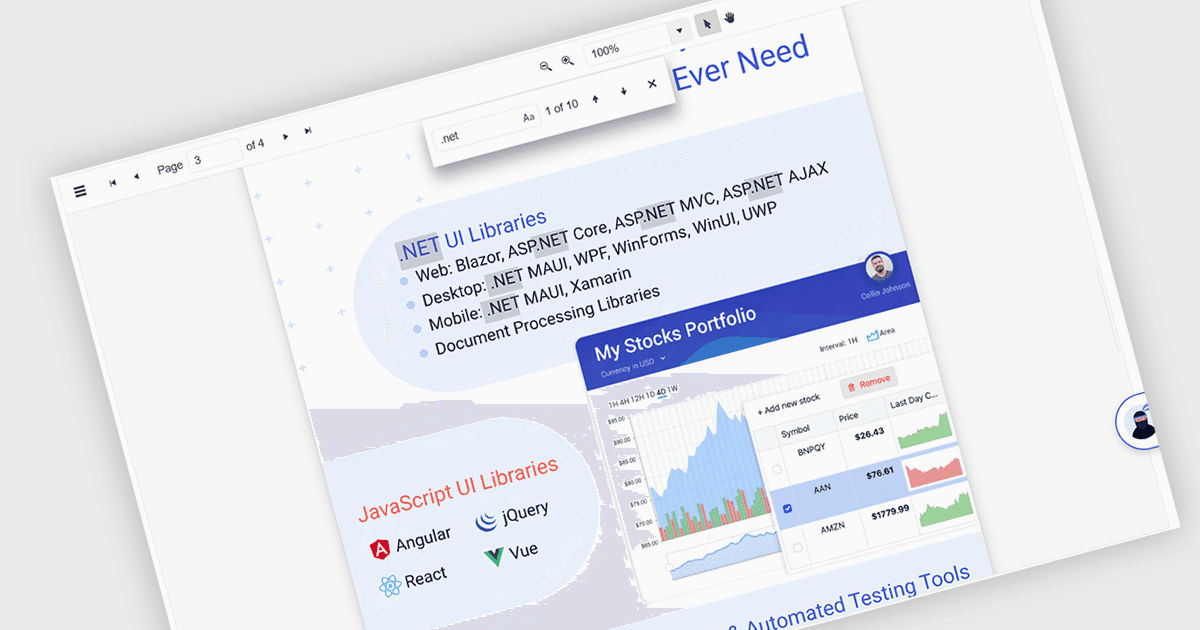
Text Searching in a PDF Viewer .NET Blazor component 讓使用者能在 PDF 文件中搜尋特定單字、詞語或片語。這項功能透過讓使用者能快速辨識並跳至相關內容,提升文件導覽與可近性,避免必須逐頁手動瀏覽。通常支援區分大小寫與整字比對等選項,並可透過 UI 控制項與後端邏輯觸發,使其成為處理大型或複雜 PDF 檔案之應用程式的彈性功能。這特別有助於開發文件導向的應用程式,能提升使用者效率,並確保內容能被精確快速地找到。
多個 Blazor PDF Viewer 讓使用者能搜尋文字,包括:
- ComponentOne Studio FlexViewer(ComponentOne Studio Blazor Edition by MESCIUS 的一部分)可讓你搜尋 PDF 內容,並將結果進行高亮,協助使用者找到關鍵字。
- Telerik UI PDF Viewer for Blazor(Telerik UI for Blazor 的一部分)支援精準的關鍵字搜尋,提升使用者互動並加快在 PDF 檔案中的內容擷取速度。
- Syncfusion Blazor PDF(Syncfusion Essential Studio Enterprise 的一部分)可在 PDF 文件中進行快速、直覺的文字搜尋。
若要進一步深入了解功能與價格,請造訪我們的 Blazor PDF 查看器比較。