精確輕鬆地導航 PDF

6月 10, 2025
內置的導航工具讓使用者輕鬆流覽 PDF 文件,使得即使是複雜檔也更易於訪問和理解。

繼續用英語閱讀:

PDF navigation features play a crucial role in enhancing the usability and accessibility of digital documents. In modern PDF components, navigation tools are designed to provide intuitive access to document content, helping users locate specific sections, pages, or topics quickly. These tools are particularly important in lengthy or complex PDFs such as manuals, reports, and eBooks, where efficient navigation can significantly improve the reading experience and reduce time spent searching for information.

Common features include:

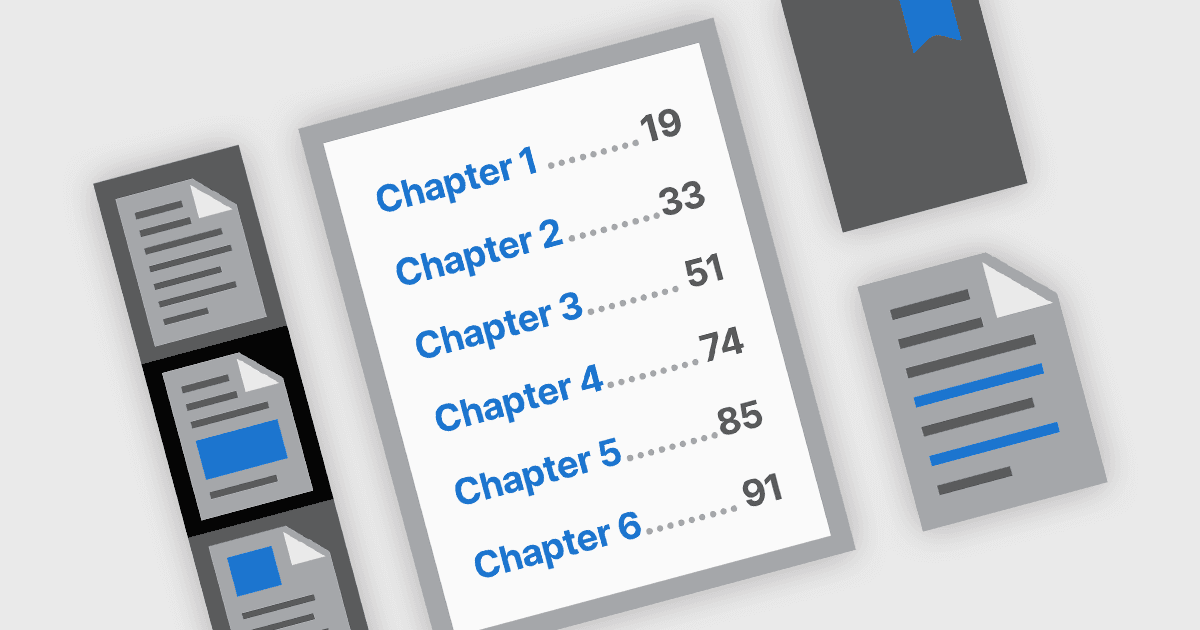
  • Bookmark navigation allows users to jump to predefined sections through a sidebar of bookmarks that often mirrors the document's structure.
  • Hyperlink navigation supports both internal links within the document and external web links, facilitating direct access to related information or resources.
  • Table of Contents navigation mirrors traditional print documents by listing chapters or sections with interactive links, helping users to understand the document's structure at a glance and move directly to areas of interest.
  • Thumbnail navigation provides visual page previews, enabling users to scroll through and select pages more easily, especially in graphically rich or page-specific content.

For an in-depth analysis of features and price, visit our .NET PDF components comparison.

Explore .NET PDF Navigation Features