以彈性頁面管理整理文件
透過直覺且易於使用的控制項,移動並重新排序 PDF 頁面,以改善流程、強化清晰度,並打造專業的版面配置。
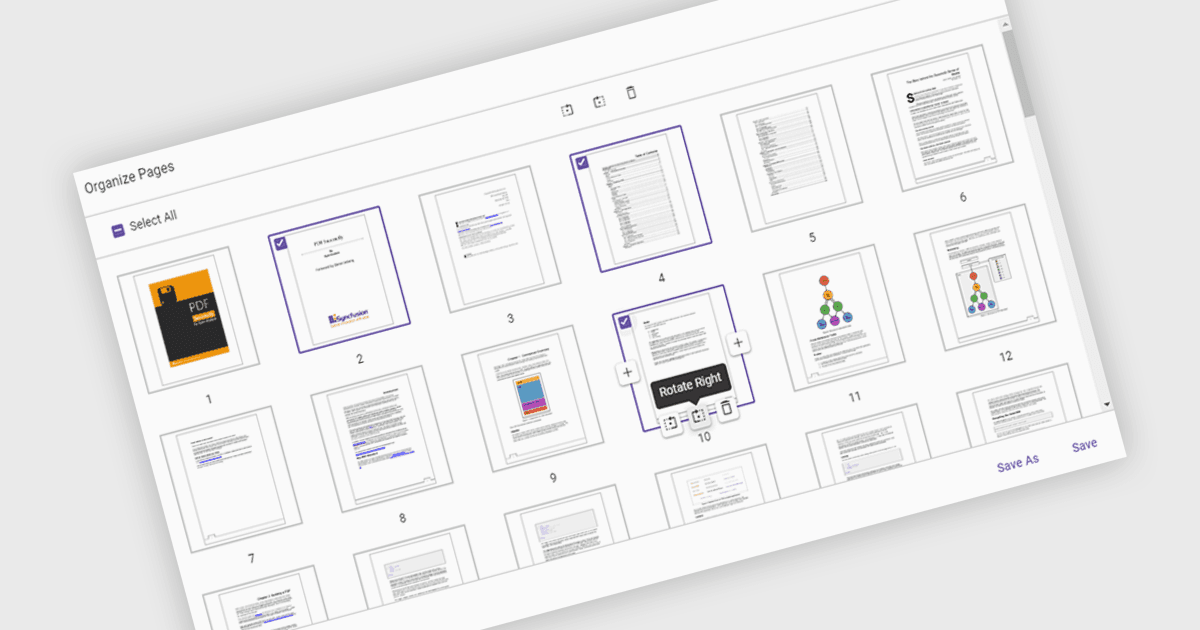
PDF 檢視器中的「移動頁面」是指能夠在文件內變更頁面順序,以更妥善地組織內容、提升可讀性,或針對特定目的調整結構。此功能在彙整報告、合併多份文件,或修正掃描頁面的順序時特別有用。只要將頁面拖放到所需的位置,使用者就能簡化工作流程,而無需重新建立或重新匯出檔案。其好處包括提升文件清晰度、改善呈現流程,以及提高內容管理效率。舉例來說,行銷團隊可以重新排列提案章節以產生更大的影響力,或是法務部門可以依相關性來整理案件檔案。
多個 ASP.NET Core PDF 檢視器元件可讓您在 PDF 檔中移動頁面,包括:
- Document Solutions for PDF by MESCIUS 讓您能輕鬆重新排列、複製或移除 PDF 頁面,以精煉結構並強化呈現流程。
- Telerik UI PDF for ASP.NET Core 讓您可在 PDF 中直覺地進行頁面重新排序,並支援在 Web 型應用程式中直接進行精確的版面調整。
- Syncfusion ASP.NET Core PDF (屬於 Syncfusion Essential Studio Enterprise) 可讓您以程式方式重新排序與整理 PDF 頁面,讓文件能針對各種工作流程進行動態客製化。
如需深入了解功能與價格,請參考我們的 ASP.NET Core PDF 檢視器元件比較。