將平面文件轉換為交互式試算表

9月 16, 2025
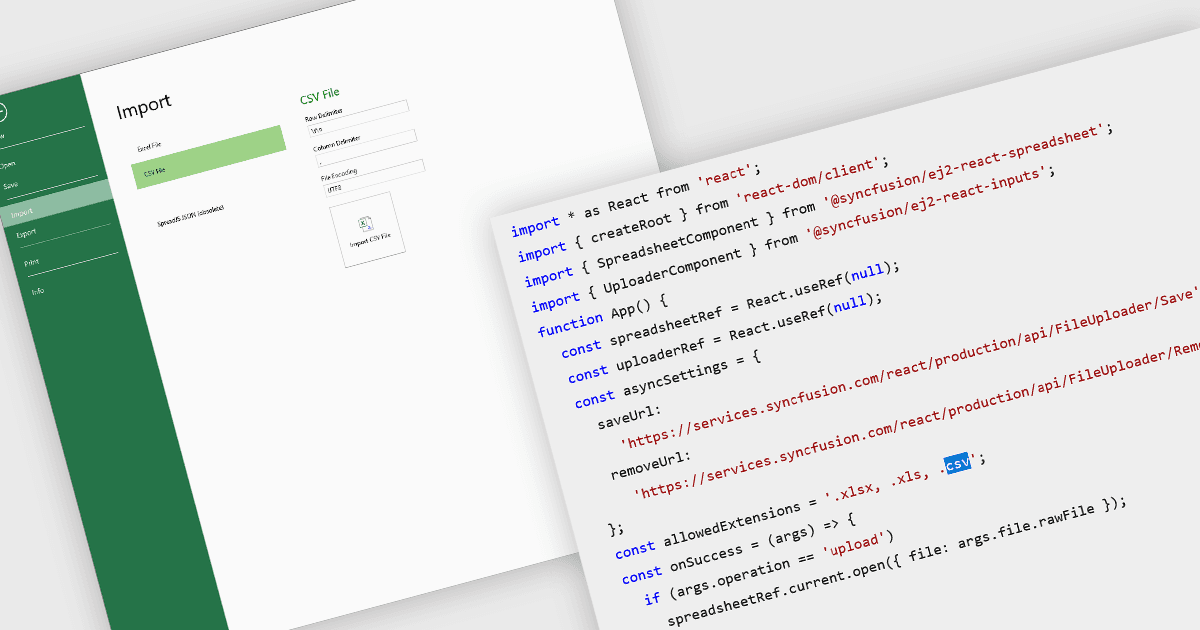
將 CSV 檔導入試算表元件允許使用者使用熟悉的介面操作、格式化和分析純文字資料。

繼續用英語閱讀:

Importing CSV files in spreadsheet components allows developers and end-users to load tabular data from simple text-based formats into an interactive grid. The feature typically supports reading CSV with various delimiters, optional headers, and options about how to treat quoted text, line endings, and text formatting. It provides a bridge between raw data sources (spreadsheets exported from other tools, logs, exports from databases) and richer in-browser or in-application editing, formatting, analysis, or further exporting. For many applications, being able to accept CSV imports is essential for interoperability, ease of data ingestion, and enabling users without deep technical skills to bring their data into a system.

Several React spreadsheet controls offer the ability to import CSV files including:

  • SpreadJS by MESCIUS lets you import CSV files directly into the spreadsheet, preserving data formatting, formulas, and structure for immediate editing.
  • Syncfusion Spreadsheet JavaScript (part of Syncfusion Essential Studio Enterprise) allows you to load CSV files into interactive sheets.
  • Jspreadsheet Pro facilitates easy CSV file import, instantly converting raw data into an editable spreadsheet with sorting, filtering, and customization options.

For an in-depth analysis of features and price, visit our React spreadsheet controls comparison.

Compare React Spreadsheet Controls