













官方供應商
我們作為官方授權經銷商,直接提供超過200家開發廠家所發行超過1000個的產品授權給您。
請參閱我們所有的品牌。
繼續用英語閱讀:
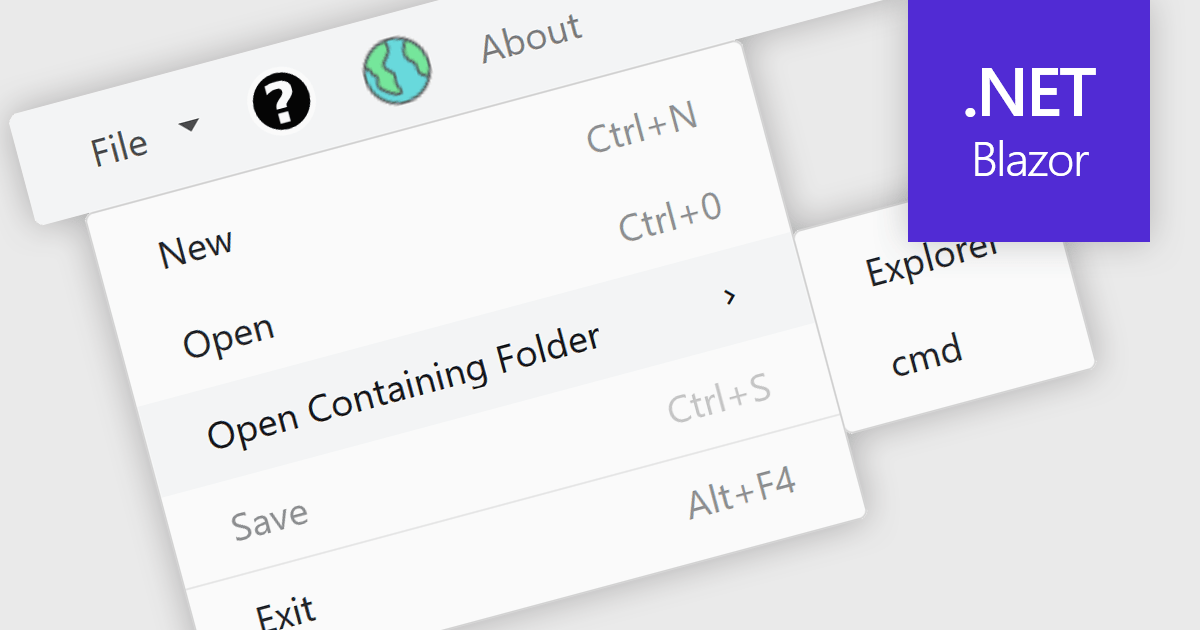
Menu controls in a Blazor UI suite are user interface components that provide structured navigation through an application by organizing links or actions into hierarchical menus. These controls are particularly useful in web applications that require intuitive, accessible, and dynamic navigation elements. In Blazor, menu controls can be rendered either through server-side or WebAssembly-based components, allowing developers to build interactive menus using Razor syntax and C#. They support features like multi-level nesting, icons, templates, and binding to data sources, making them adaptable to a wide range of layouts and user experiences. Menu controls integrate smoothly with routing and layout systems, enabling developers to maintain a consistent navigation experience across the application.
Several Blazor UI suites provide Menu controls, including:
For an in-depth analysis of features and price, visit our comparison of Blazor UI Suites.
聯繫電話: (888) 850 9911
傳真: +1 770 250 6199


